









World's First AI Kitchen Design Studio

See Your Finished Kitchen BEFORE You Order It

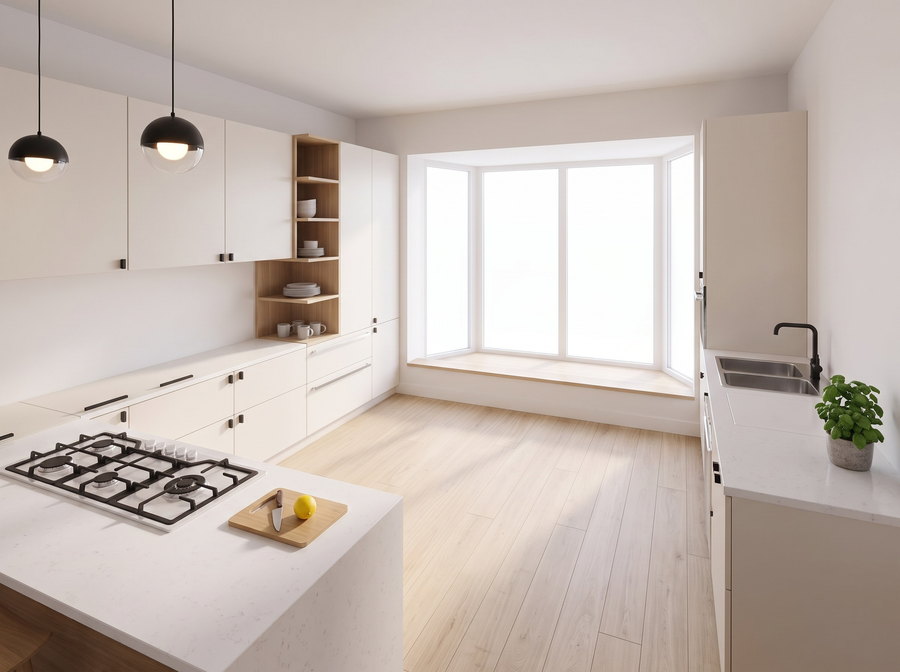
Start from a photo, a floor plan, or build it in 3D from scratch. Preview 200+ styles, cabinet colors, floors and counters as a real photo of your room. Same Layout. Same Windows. Same Measurements.

Try It Now 4.8 from 1,387+ reviews
Walk through it on video before it exists Build in 2D and 3D from scratch

Join 23,741 homeowners & pros designing kitchens

As seen in

Kitchen Mistakes Get Expensive After You Order

of homeowners regret at least one part of their renovation.

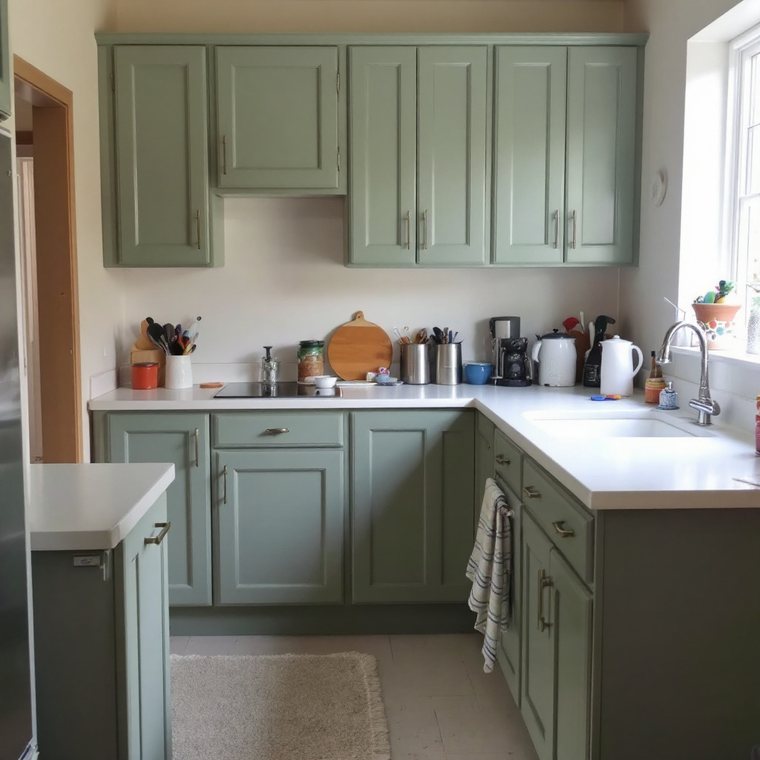
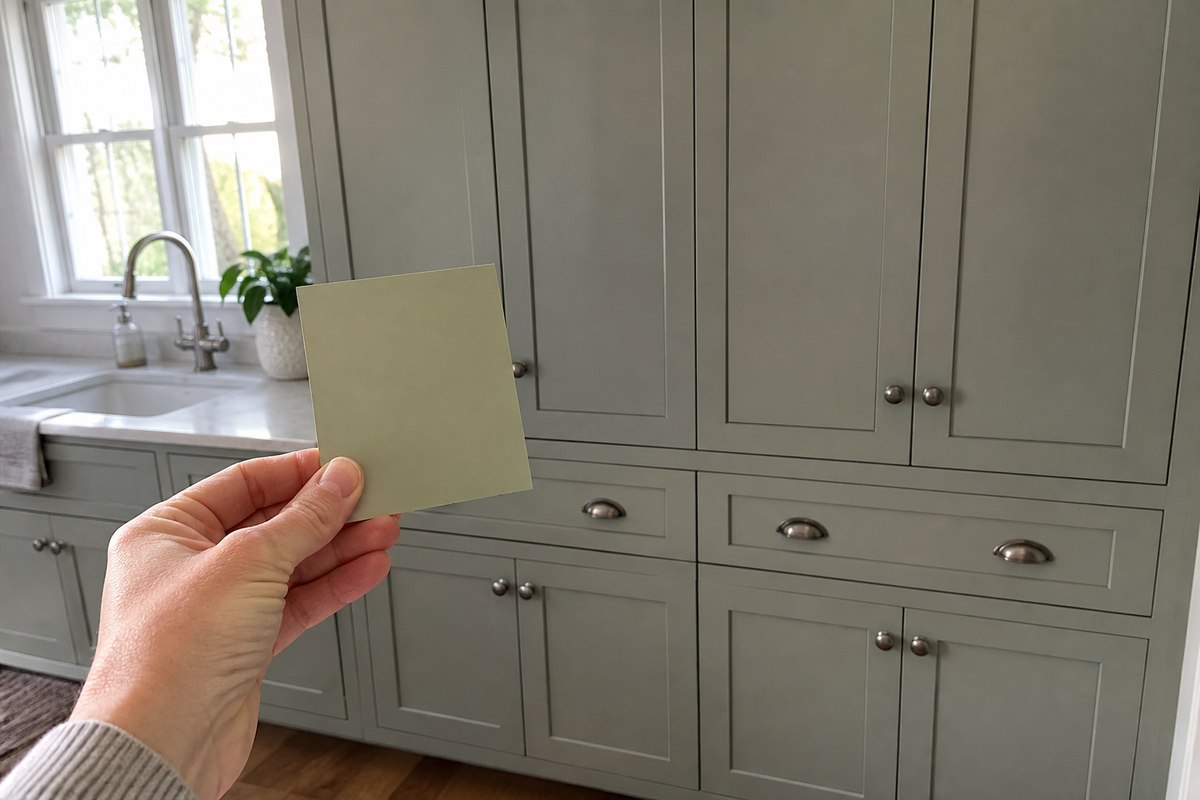
A warm sage paint sample held against full cabinets that appear cooler and greyer in the room
Same color. A completely different undertone in the room.

Tiny Samples Don’t Show the Whole Room

A color that reads perfectly on a small swatch changes across every door, under your lighting.

47% liked their home more
before they remodeled.

Inspiration Is Always Someone Else’s Kitchen

Other kitchens can inspire you. None of them show your walls, your light, your layout.

9.6 months of kitchen planning,
on average.
A kitchen part way through installation with unfinished cabinets and building materials on the floor
Locked in. Every change from here is a change order.

Changing Your Mind Costs More Once Work Starts

Materials are ordered, installers are booked. One finish swap means delays, restocking and rework.
37% went over their
renovation budget.
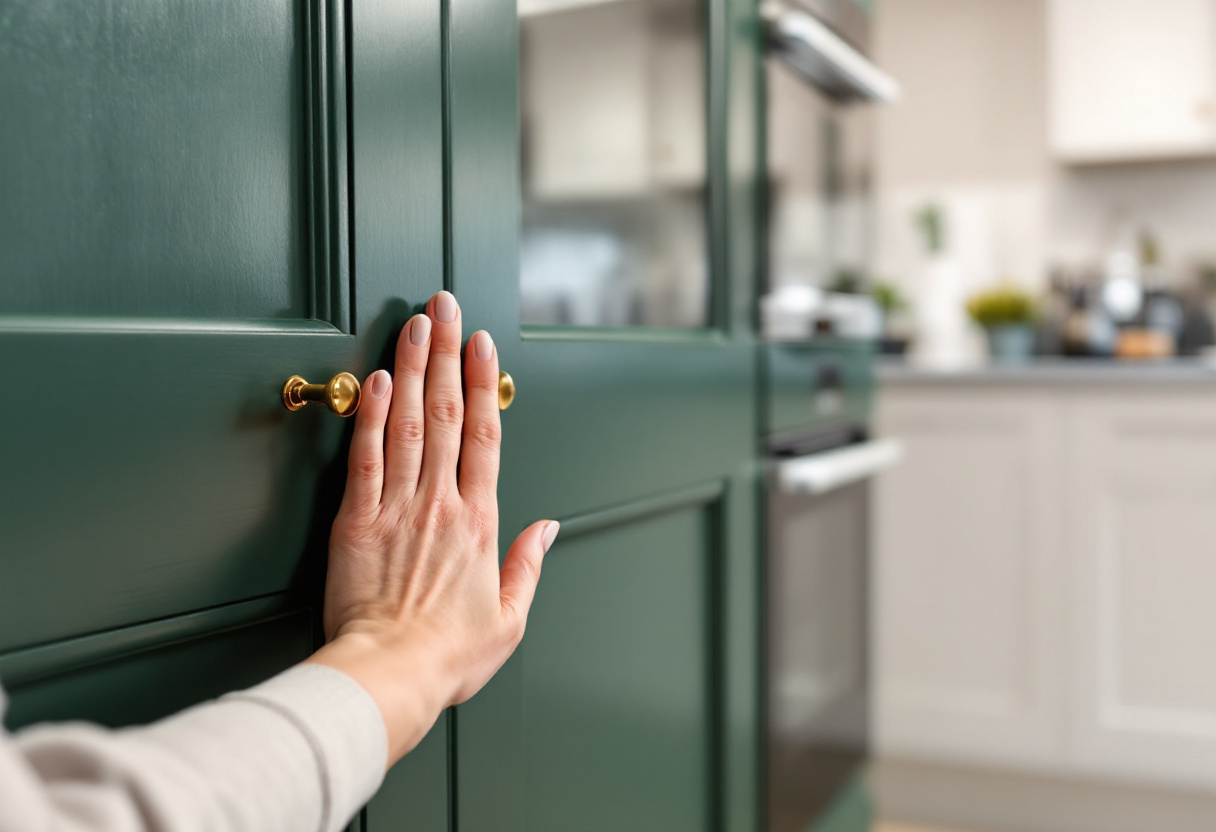
A hand resting on a deep green showroom cabinet door with brass handles, a plain white kitchen out of focus behind it
Seen up close. This is where budgets change their mind.
You Decide What You Want Once You Can See It

Nobody pictures the finished room from a plan. You change your mind when it becomes real.
35% chose higher-end materials
than they planned.

You Don't Need More Ideas.
You Need to See Your Kitchen.

See it in your actual space, in about a minute.

Show me my kitchen

One Photo. Every Decision.

3 steps from the kitchen you have to the one you want.
No measuring, no software to learn, no appointment to book.

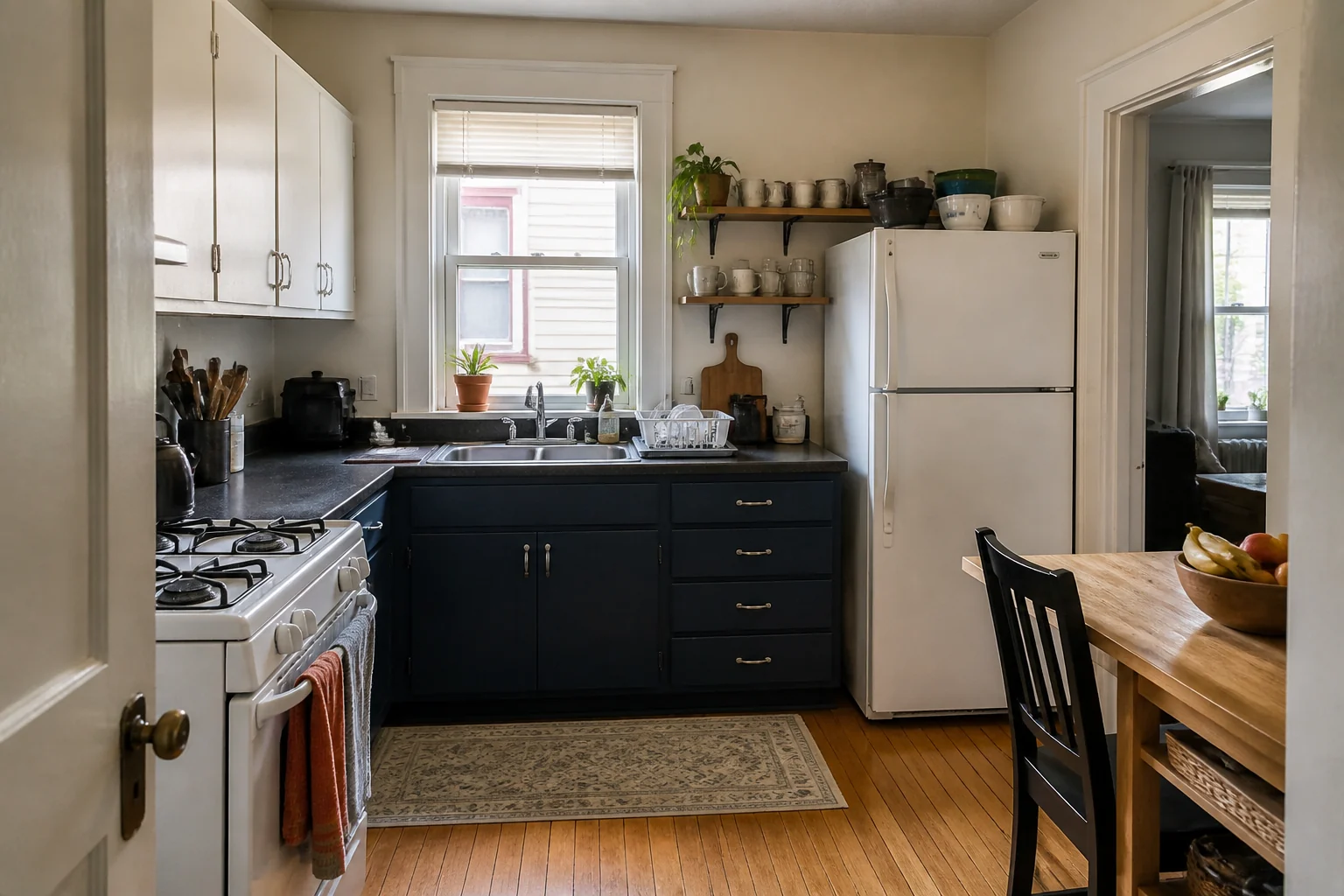
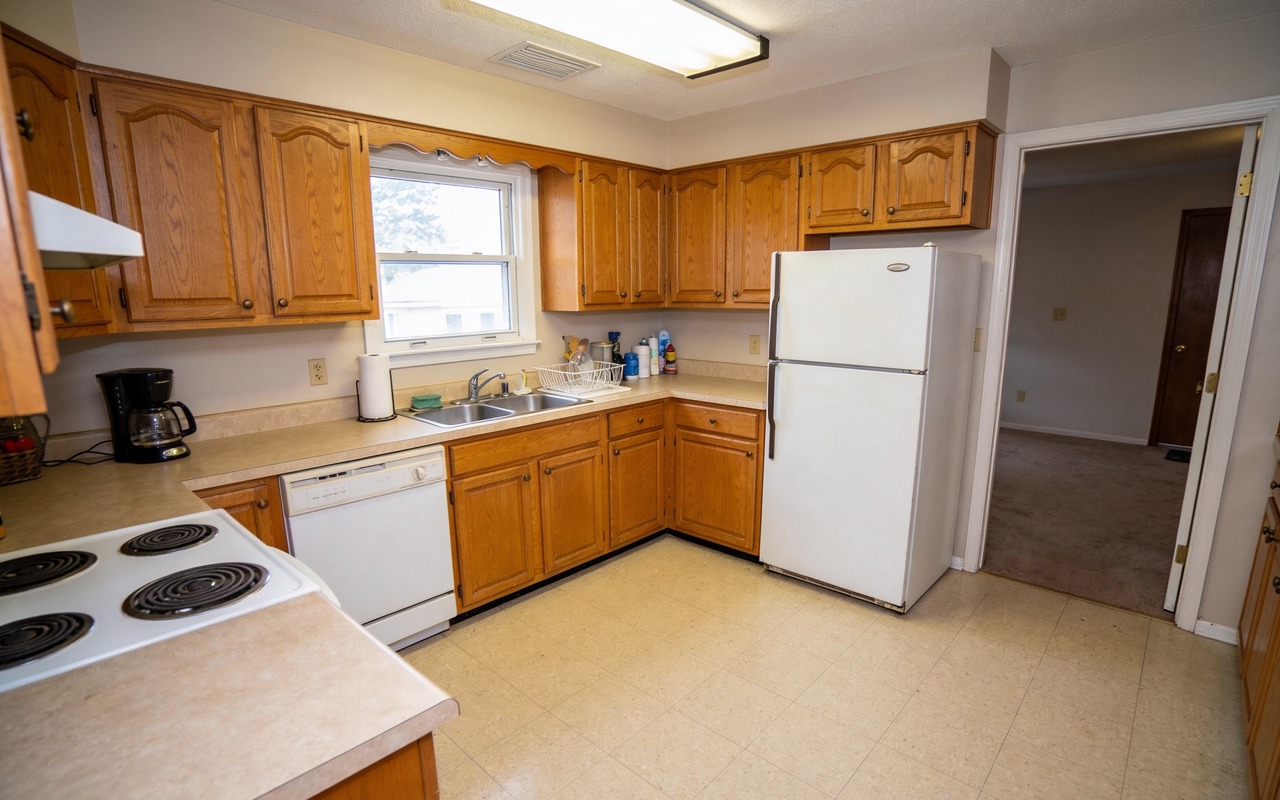
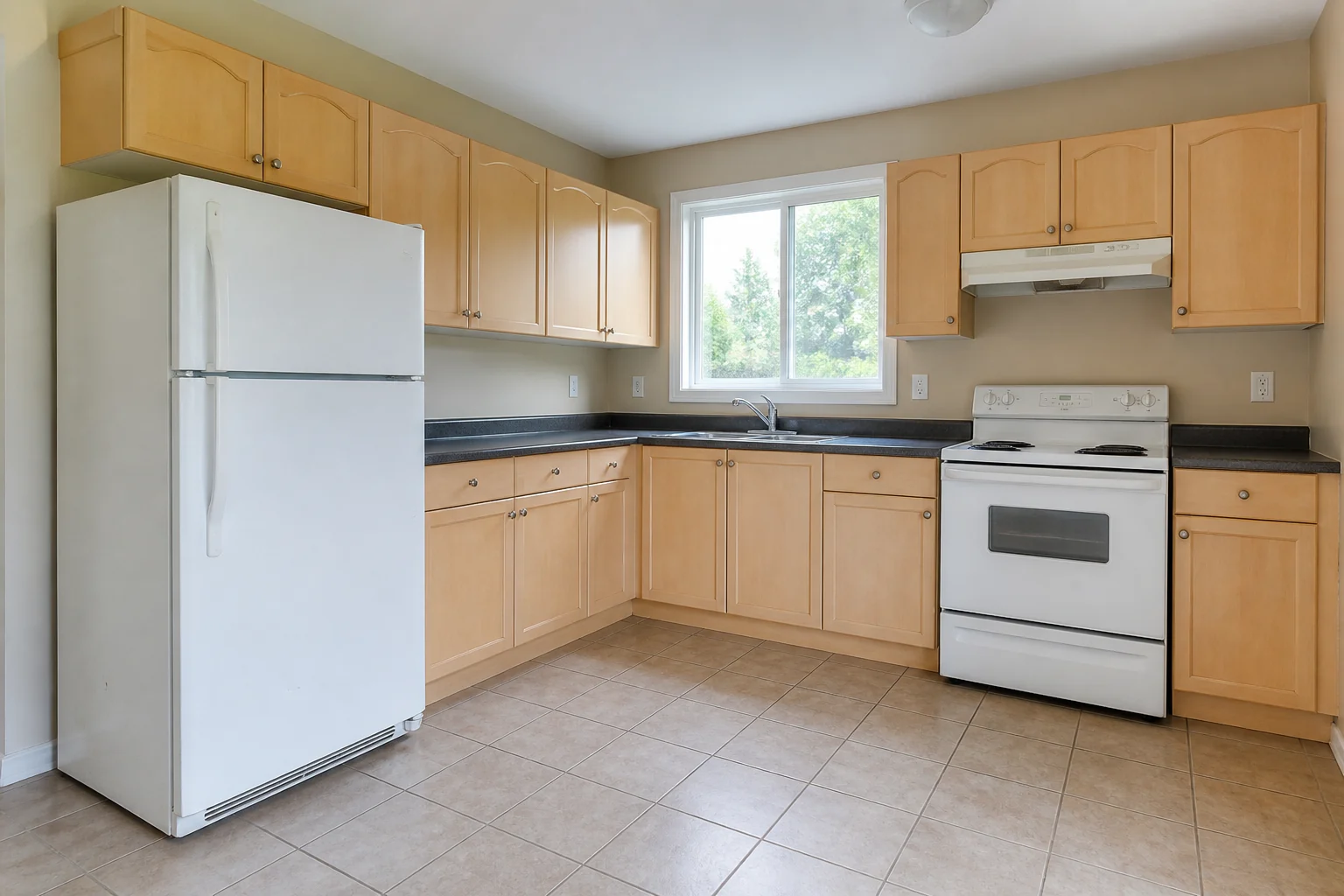
A dated kitchen photographed with a phone your photo
Step 1Upload

One photo of your kitchen. No measuring, no special angle, no clearing the counters first.

Style
200+
styles
Cabinet color See all
#F2EFE9
Upload a sample Floor Counter Handles
Step 2Customize

Try any style, any cabinet color, any floor, any handle. Change your mind as often as you like.

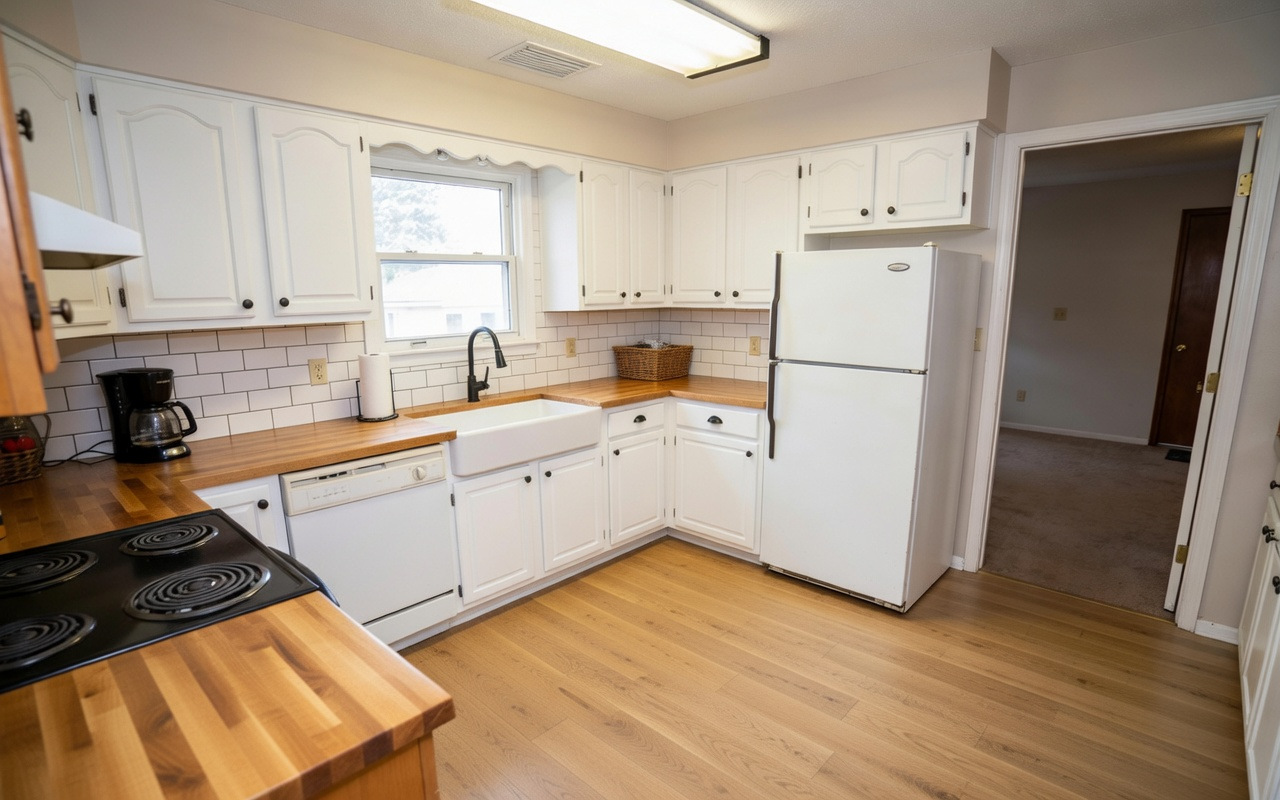
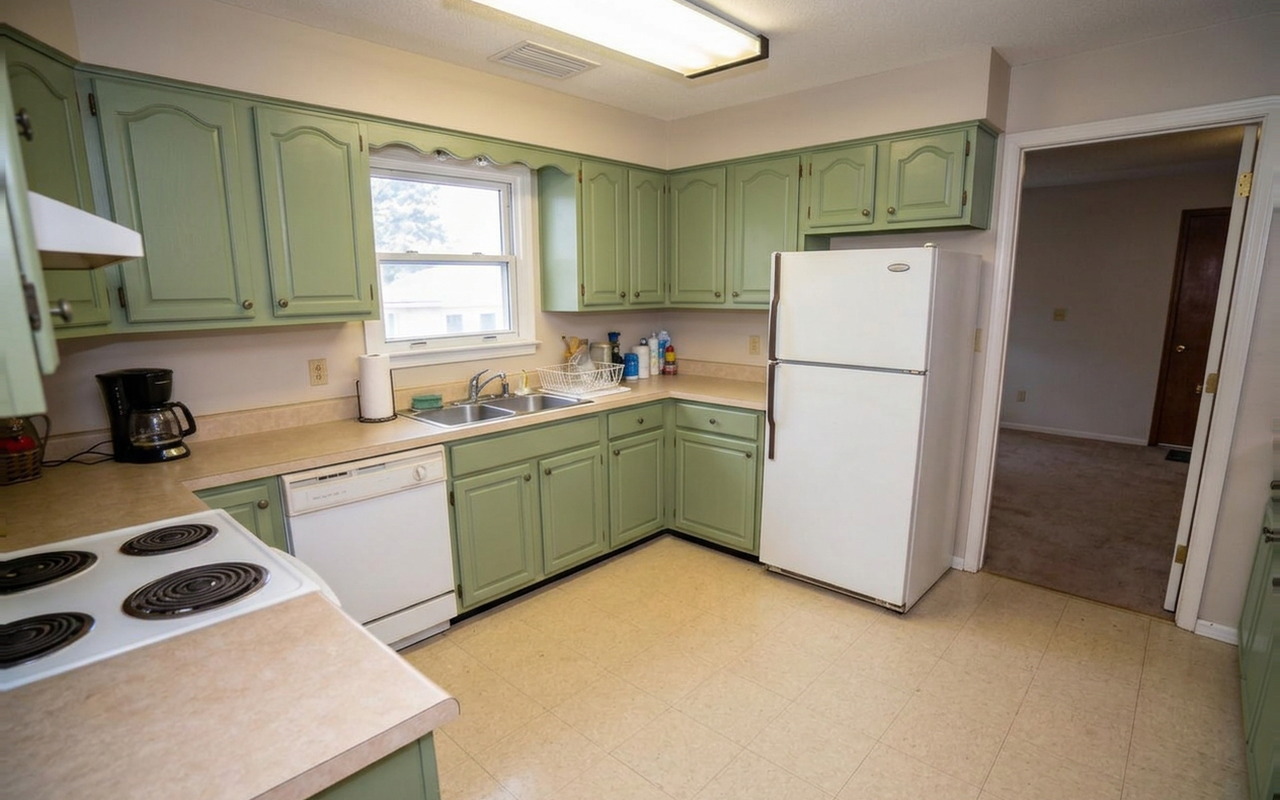
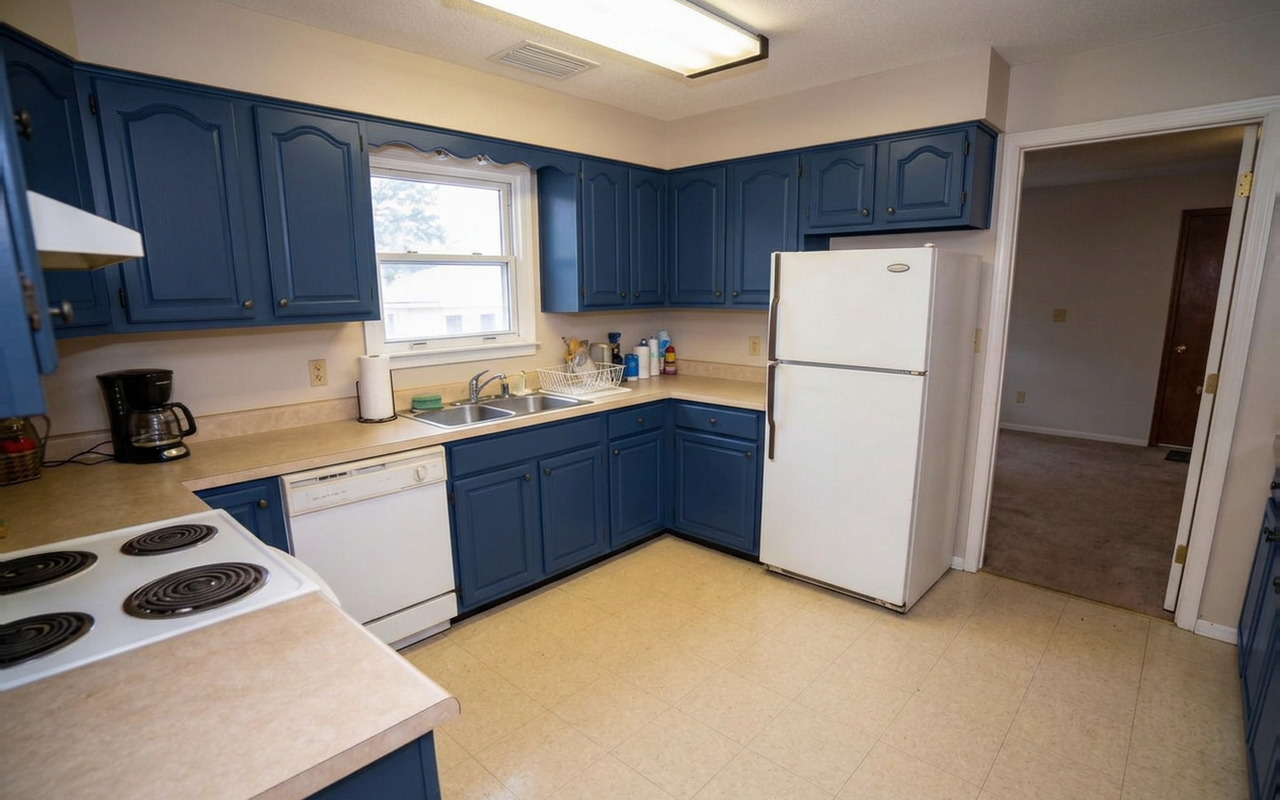
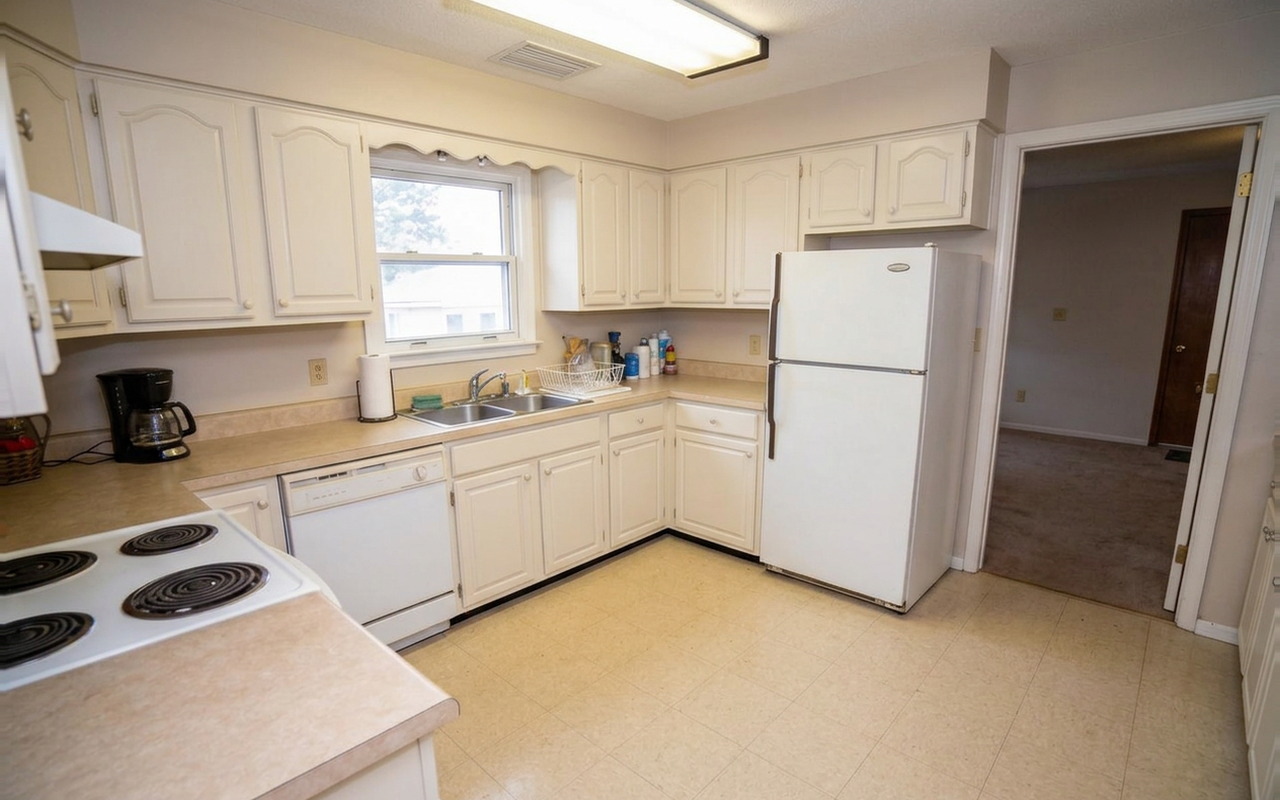
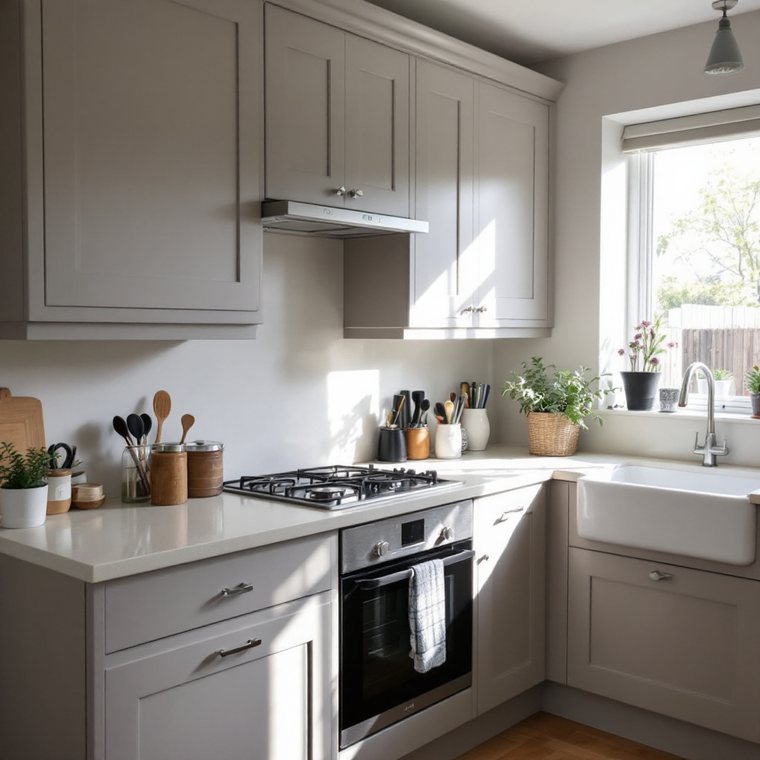
The same kitchen redesigned in a modern style, with the layout unchanged The same kitchen redesigned in a farmhouse style, with the layout unchanged The same kitchen with sage green cabinets The same kitchen with navy cabinets in seconds
Step 3Decide

The same room, redesigned. Nothing moves except the things you actually chose to change.

No Kitchen Photo?
Start From Anything.

A pencil sketch, a floor plan, a moodboard, even a written description. Show it or describe it, and you can see it finished.

10'6" | 3.2 m 12'4" | 3.76 m Bar counter 129 ft² | 12 m²
1

Your floor plan

Upload the plan you already have. No photo of the room, because the room does not exist yet.

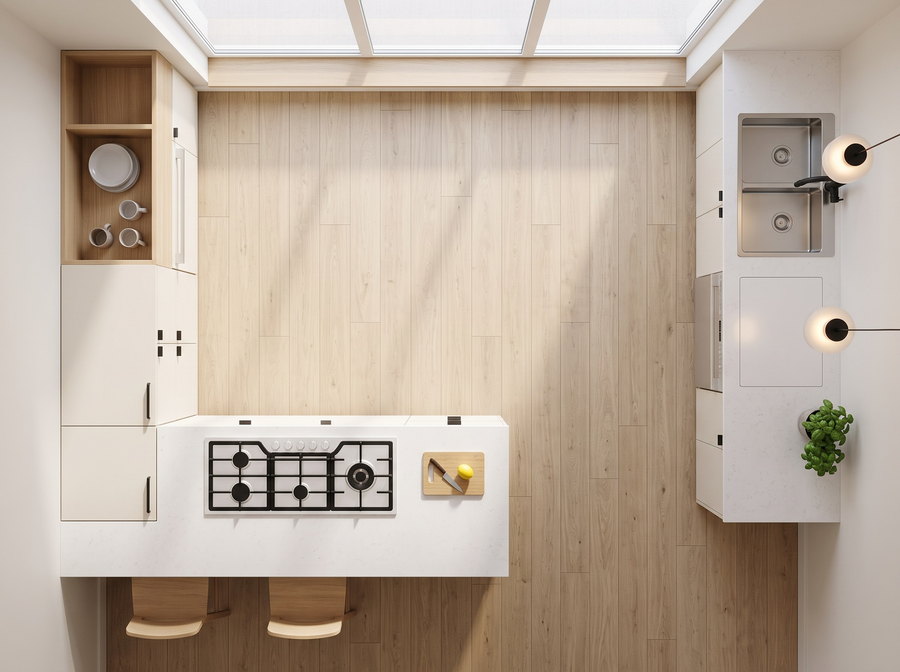
Photoreal view of the same kitchen from directly above, built from the floor plan
2

Furnished from above

The same plan, filled in. Cabinets, appliances and finishes in their real positions.

Photograph taken from inside the same kitchen, at standing height
3

Step inside it

Normal photographs of a kitchen that so far exists only on paper.

4

Walk through it Studio

A full video walkthrough, from nothing but the plan.

Your photo, your plan, or nothing at all.

Start building your kitchen
Kitchen Studio · Design from scratch in 2D & 3D

Design Every Detail.
Then Walk Through It.

Draw your real room, place cabinets in sizes you can order, and choose every finish.Then turn the plan into photos and video.

1Set your room size

Draw the Room You Already Have

Type your wall lengths, then add doors and windows. Your plan is your real room.

  • Use real measurements in cm or inches
  • No design skills needed
2Place your cabinets

Place Cabinets That Fit and Can Be Ordered

Every cabinet is a real size you can order.
Move or swap until it fits.

  • Use sizes your builder can order
  • Catch fit problems before you buy
3Choose every finish

Change Every Finish Without Moving a Thing

Try any door, color, handle or countertop.
Only the look changes.

  • See the whole kitchen, not a small sample
  • Change your mind as often as you like
4Turn it into a photographStudio

Turn the Finished Plan Into a Photograph

Turn your plan into a real photo.
Same sizes, same finishes, nothing invented.

  • Decide before you spend
  • Share it with your partner or builder
5Walk through it on videoStudio

Walk Through It Before It Exists

Watch a video of your kitchen before a single cabinet is ordered.

  • Inspect the room from every angle
  • Send it to whoever builds it

Precise enough to plan.
Real enough to decide.

Design My Kitchen
30-day money-back guarantee. Cancel anytime.

Built for Kitchens.
Better by Design.

The things that matter when you are about to spend real money on a kitchen.

Compare with
Best for kitchens KitchenGPTbuilt only for kitchens
ChatGPT Geminiand other general AI apps
Hire a designerpaid by the project
A kitchen showroomby appointment, in person
Works from a photo of your actual kitchen
Keeps your layout, walls and windows
Design from scratch, cabinet by cabinet
Real cabinet sizes your builder can order
2D, 3D and photoreal from one plan
Extra fee
Limited
Video walkthrough of the finished room
Extra fee
Repaint the cabinets you already have
Limited
Swap floors, counters and backsplash
Limited
Limited
See the result in seconds
No appointment and no design skills
Change your mind as often as you like
Limited
From $14/mo. 30-day money-back guarantee, and nothing to install.
Live preview

Try It On Your Own Kitchen

A photo, a floor plan, a description, or start from scratch. Any of them works.Takes about a minute. Nothing to install.

How do you want to start?Step 1 of 4

Pick one. Any of these ends at a finished kitchen.

Pick as many as you like.

The plan you uploaded
Reading your planOne moment.

Confirm it, or pick the closest one. You can move anything later.

Where should the cabinets go?

Pick everything that has to go in.

Pick a color below, or use any color you like, or match one from your own photo.

Upload a sampleMatch a color from your own photo

Pick a countertop below, or upload a photo of one you already have.

Upload a sampleUse a photo of a countertop you already have

Pick a floor below, or upload a photo of one you already have.

Upload a sampleUse a photo of a floor you already have

Pick a look below, or describe your own, or upload a kitchen you love.

200+ styles inside.

Describe your styleWe will match the closest one.
Upload inspirationA kitchen you love. We design around it.

Everything here is the real Kitchen Studio. Ask for the photograph when you are ready.

A kitchen designed in the style you chose
0%Designing your kitchen
    Your design is ready.

    We have saved it. Choose a plan to open it full size and keep editing.

    Unlock my kitchen

    Rated Excellent · 4.8 out of 5Based on 1,387+ reviews

    Cabinet Painter
    Verified purchase

    Two greens, three months

    I was stuck between two greens for about three months. I tested both on a photo of our kitchen and picked one the same evening. The painted result looks exactly like the preview did.

    Rachel M.First kitchen renovation, Ohio
    Redesign
    Verified purchase

    Took two tries to get it right

    My first photo was taken from the doorway at an angle, and it read the far wall wrong. I shot a second one standing square to the counter and that one came out correct. It is worth knowing before you upload, because I nearly gave up after the first go.

    Dave K.Homeowner, Kent
    Redesign
    Verified purchase

    The lighting made the choice

    The same grey looked cold in our kitchen and warm in the showroom. Seeing it in our own light is what finally settled it.

    NSNadia S.Landlord, Manchester
    Kitchen Studio
    Verified purchase

    The video failed, then support fixed it

    My walkthrough video failed to render twice on the first evening, and I was presenting to a client the next morning. I messaged them and someone re-ran it the same day. Not the start I wanted, but it saved the meeting.

    Emi T.Kitchen designer, Leeds
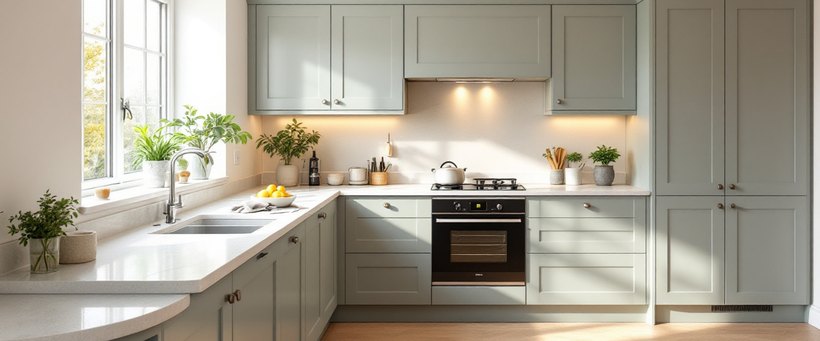
    A finished kitchen with pale grey-green cabinets and a white stone worktop
    Kitchen Studio
    Verified purchase

    My clients sign off before I order

    I fit kitchens for a living, and the arguing always used to start after the units arrived. Now the customer sees it first and agrees to it, so what I order is what they were expecting.

    SDSean D.Kitchen fitter, Dublin
    Cabinet Painter
    Verified purchase

    We stopped at the second one

    I expected to try twenty combinations. The second one was right and we ordered that week. What I did not expect was how much easier it made the conversation at home, because we were both looking at the same kitchen instead of describing different ones to each other.

    BABeth A.Homeowner, Portland
    01 · Complete redesign

    See a Completely Different Kitchen

    Choose a full design style and see cabinets, surfaces and finishes change together. The room itself stays familiar.

    • Choose from 200+ kitchen styles
    • Keep the same camera and room
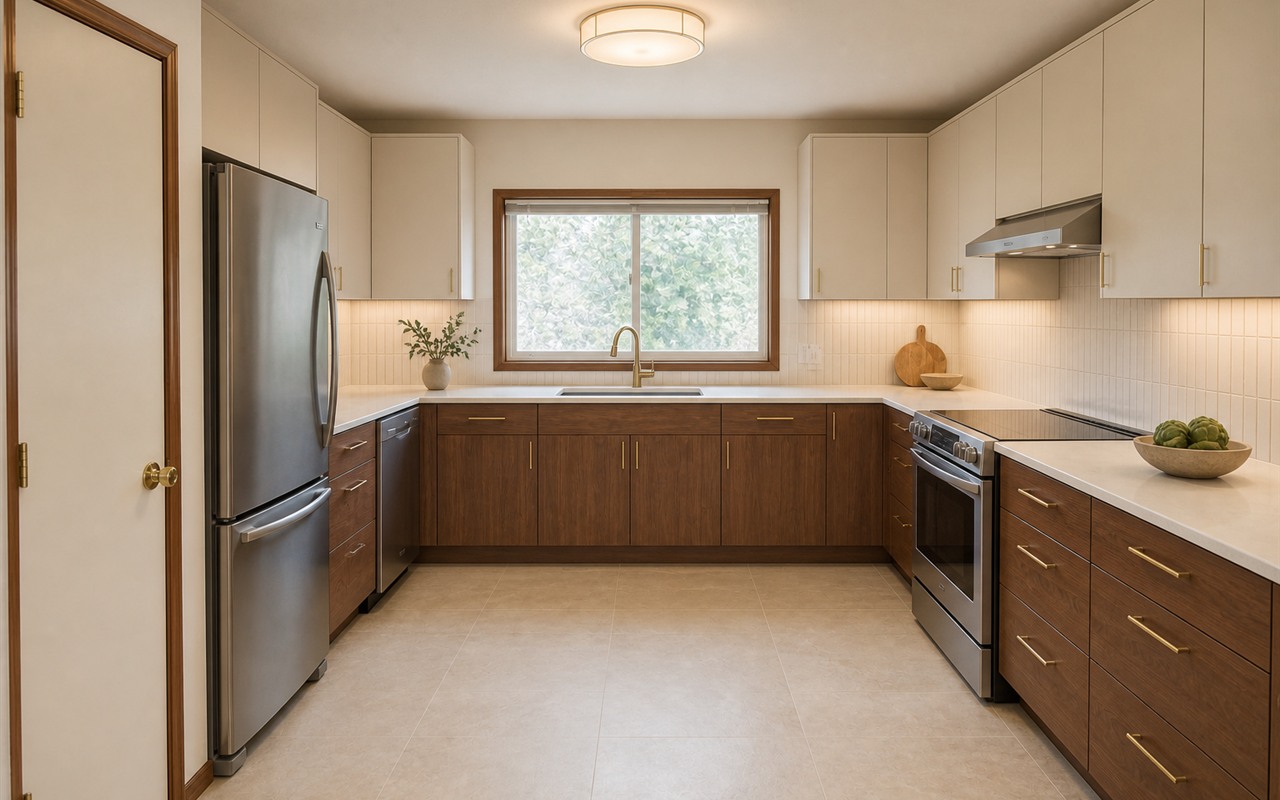
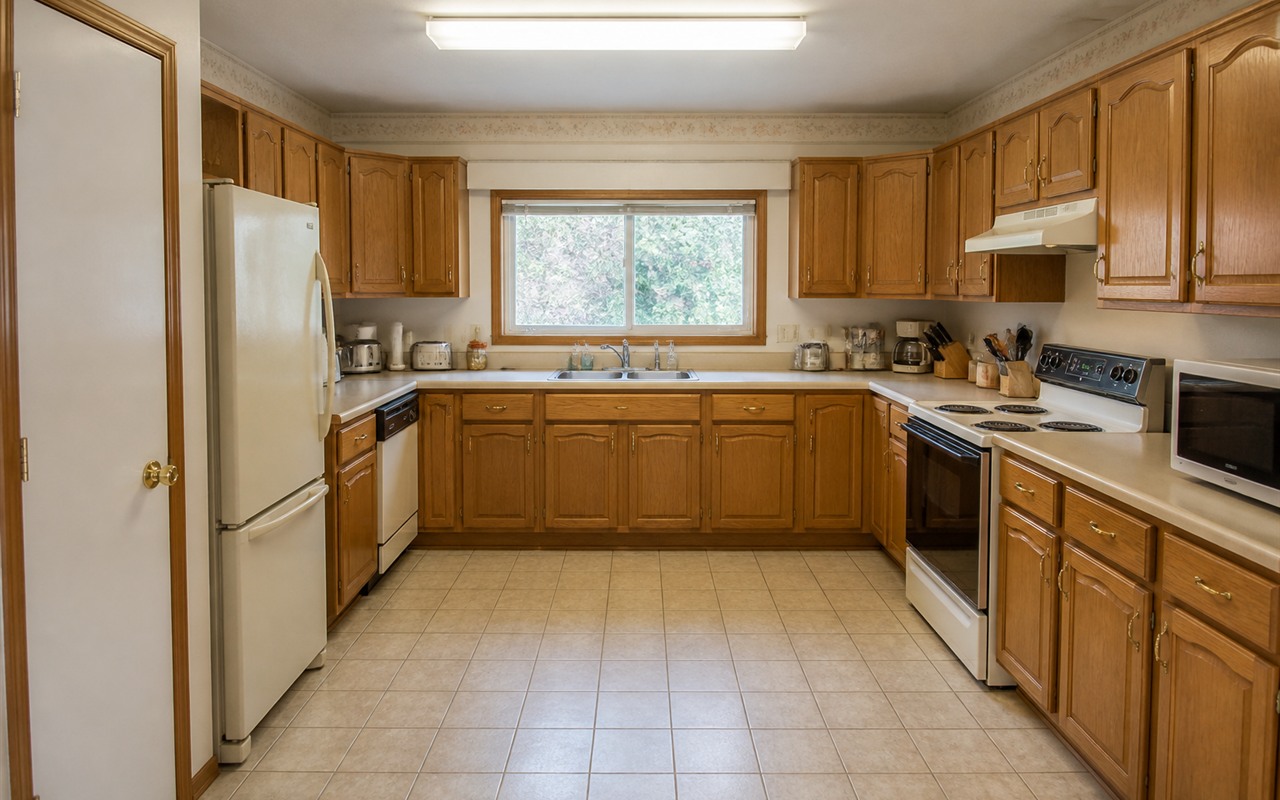
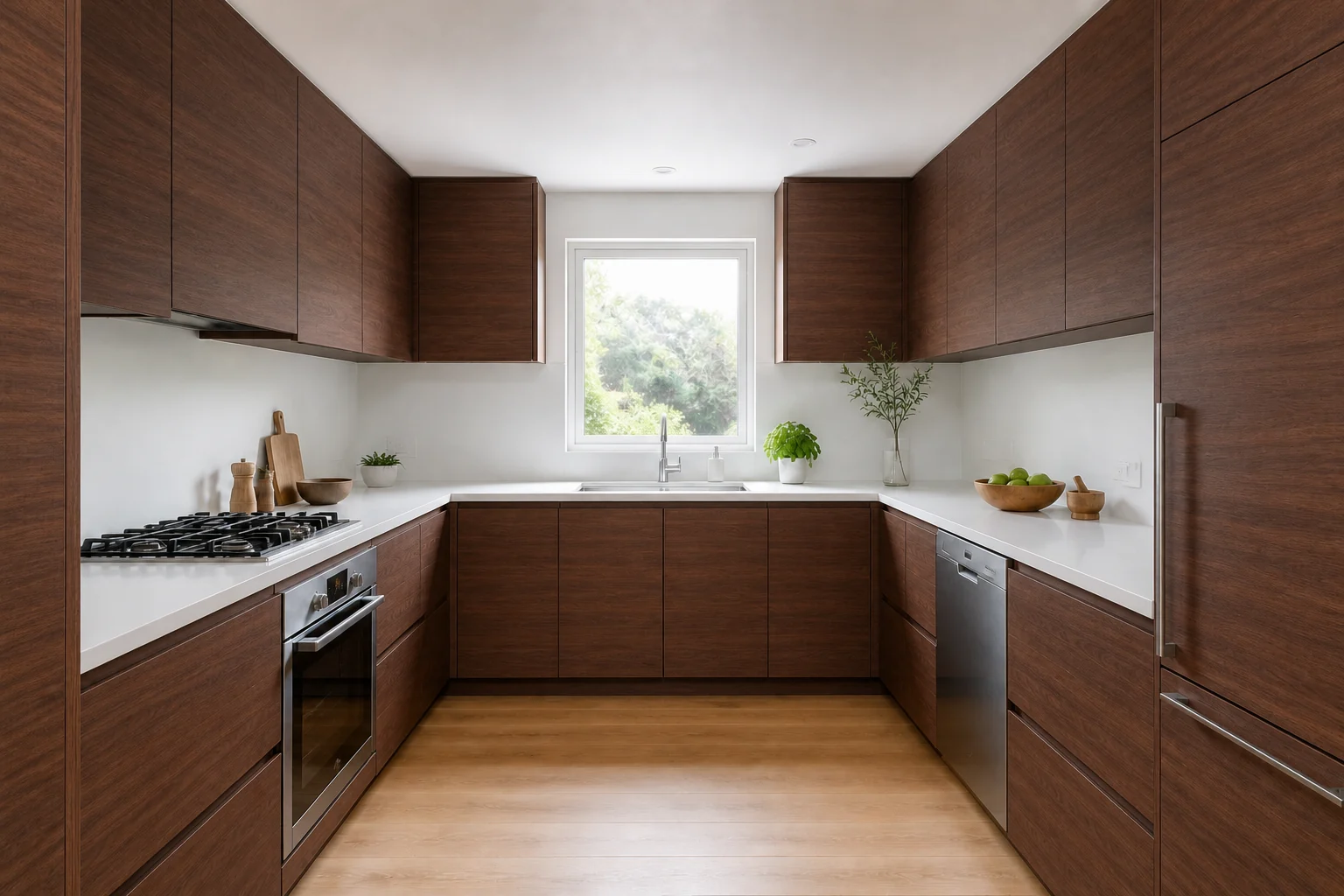
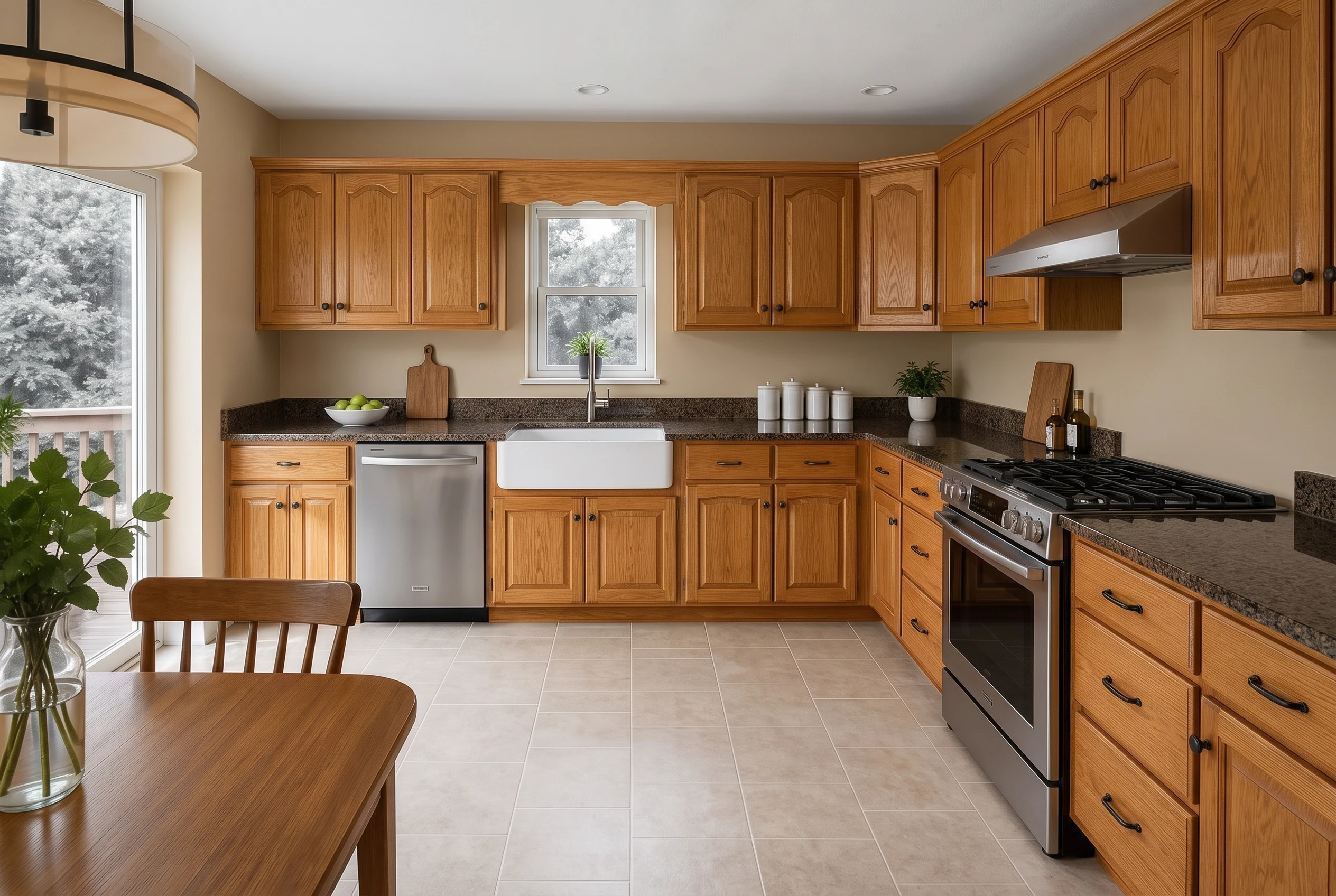
    A dated U-shaped kitchen transformed into a warm contemporary walnut and ivory design Complete redesign The dated U-shaped oak kitchen before its complete redesignBefore
    Same kitchen, new direction.The layout and camera stay fixed.
    02 · Cabinet Painter

    Try the Color on Every Cabinet

    Pick a color or upload a real paint sample. See how it behaves across the whole room before buying the paint.

    • Choose a color, code or sample
    • Leave the floor and surfaces unchanged
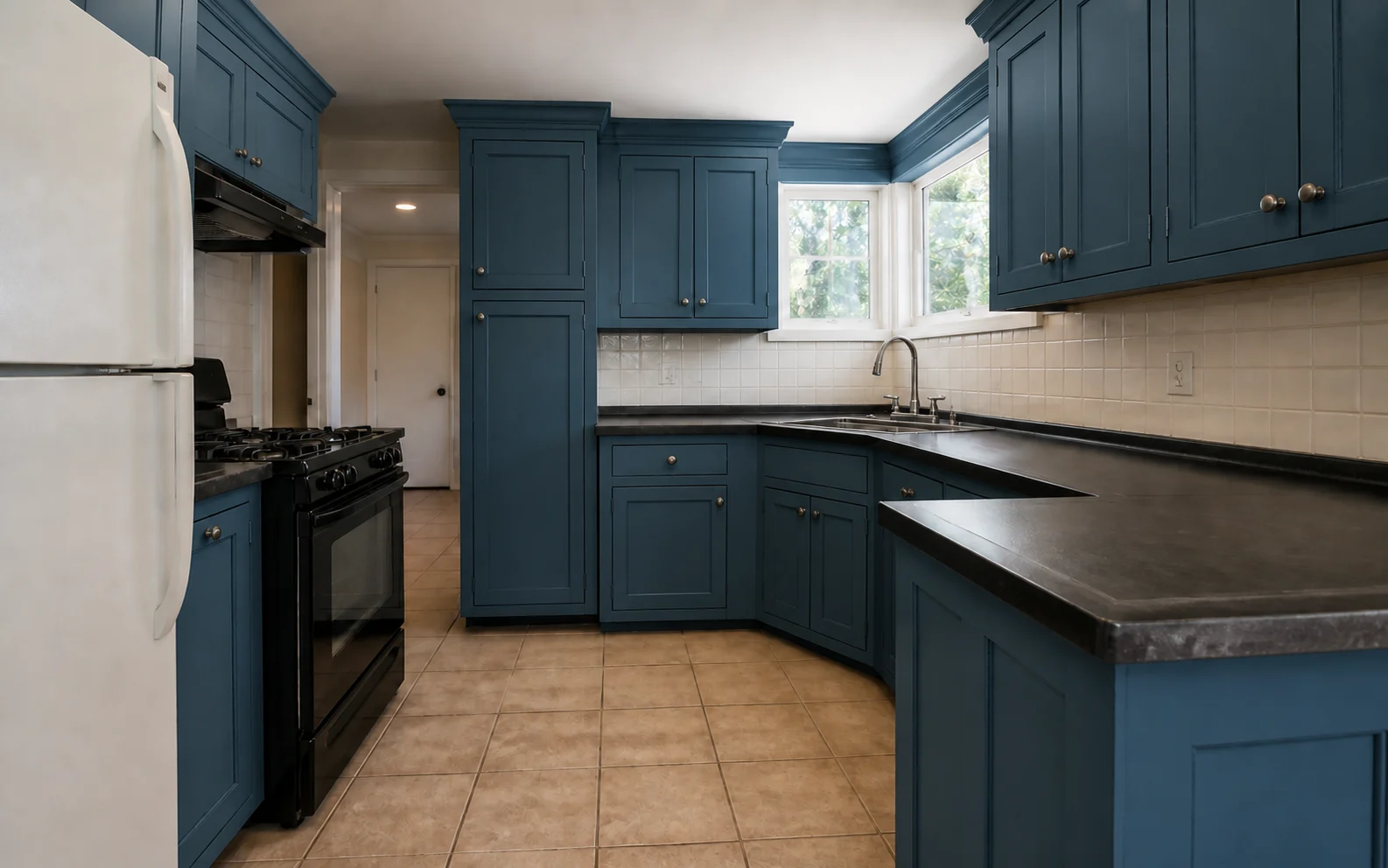
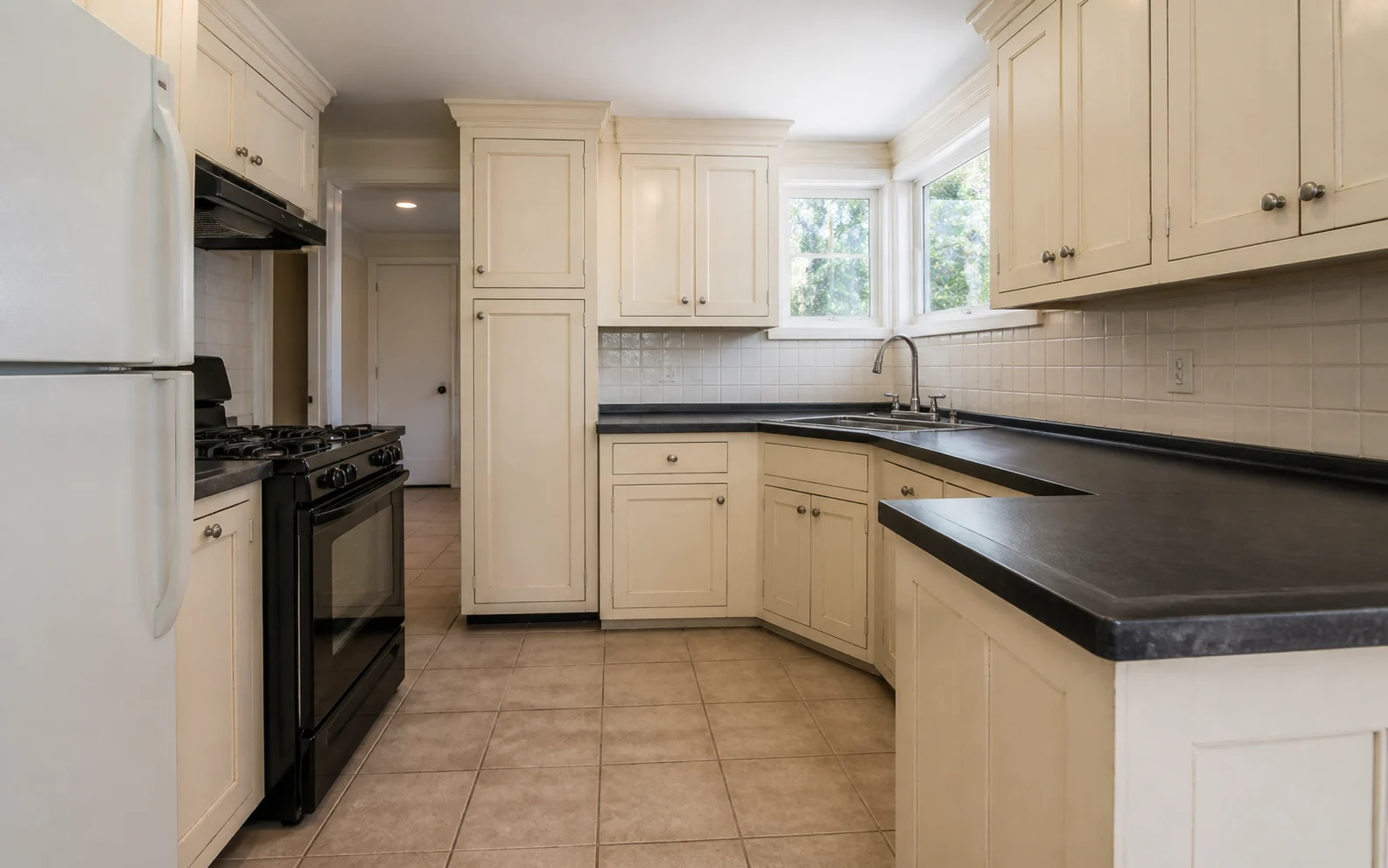
    The same L-shaped kitchen with every cabinet repainted deep muted petrol blue Cabinets only The original L-shaped kitchen with aged ivory painted cabinetsBefore
    One color across the whole room.Everything else stays where it is.
    03 · Change Flooring

    Put the New FloorUnder Your Kitchen

    Upload the wood, tile or stone you are considering. See the real tone beside your existing cabinets and countertops.

    • Compare real flooring samples
    • Change the floor and nothing else
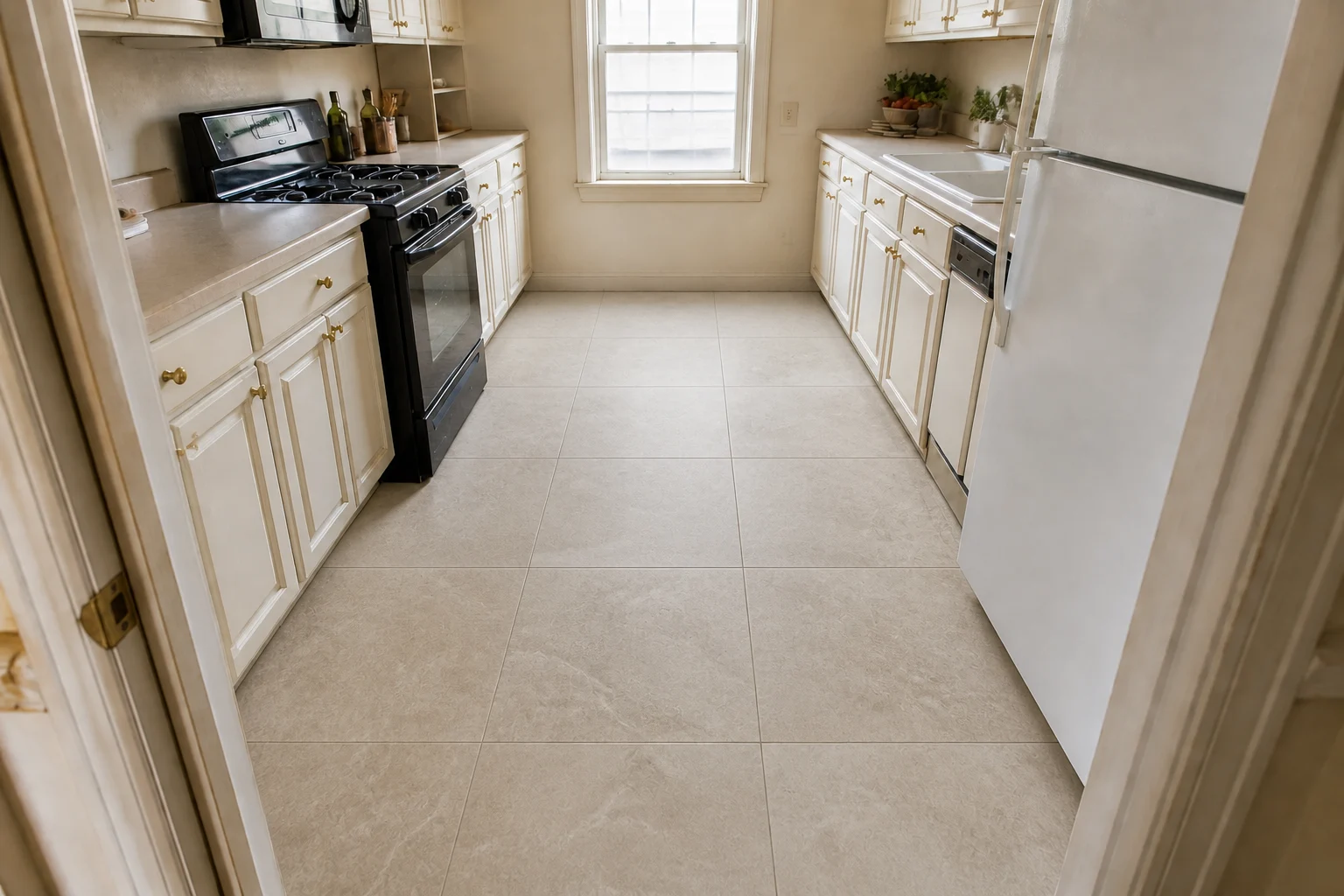
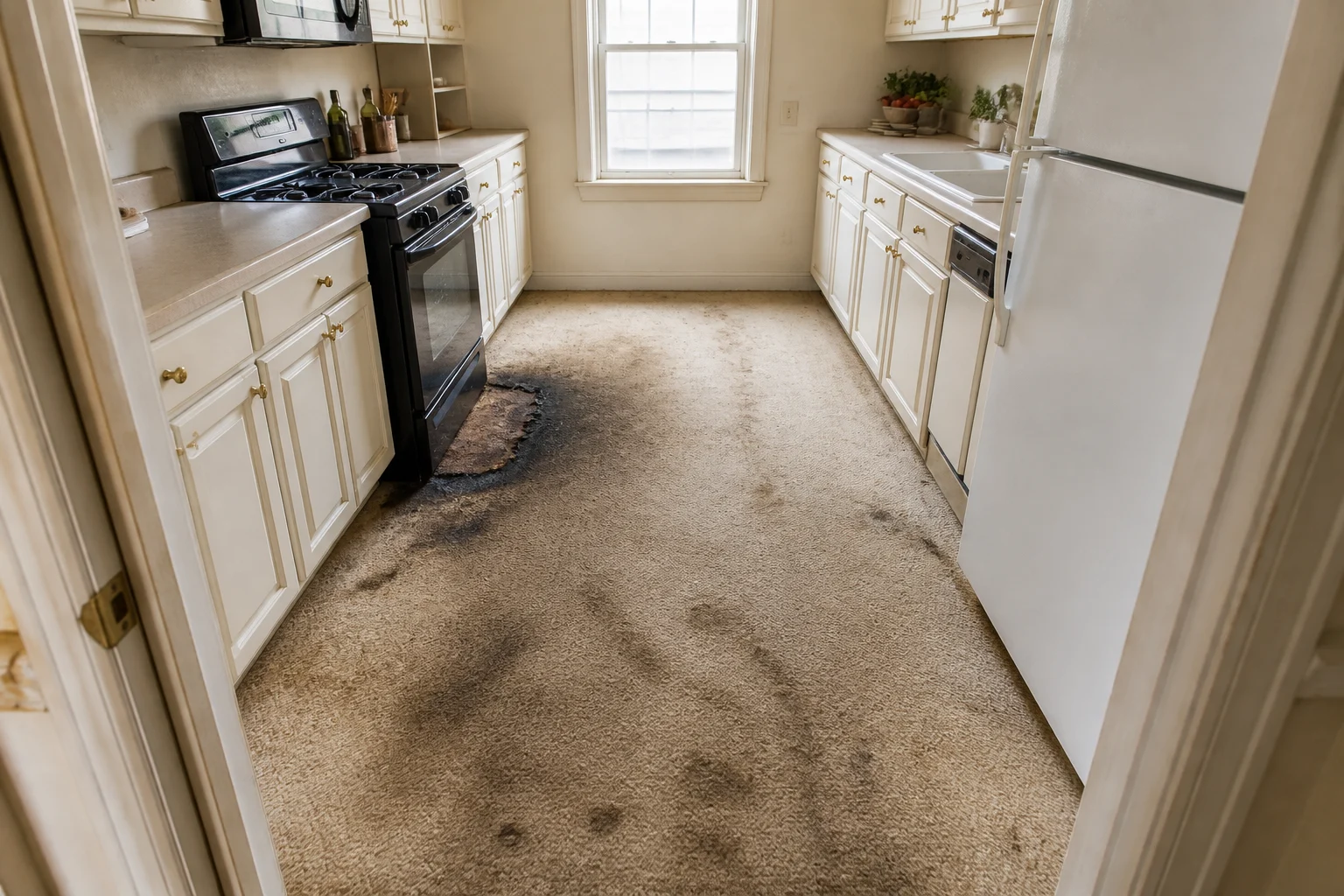
    The same galley kitchen with the damaged carpet replaced by warm greige limestone-look porcelain tile Floor only Close-up of the heavily stained and scorched fitted carpet before it was replacedBefore
    See the undertone before ordering.The cabinets remain unchanged.
    04 · Change Backsplash

    See the Tile on the Actual Wall

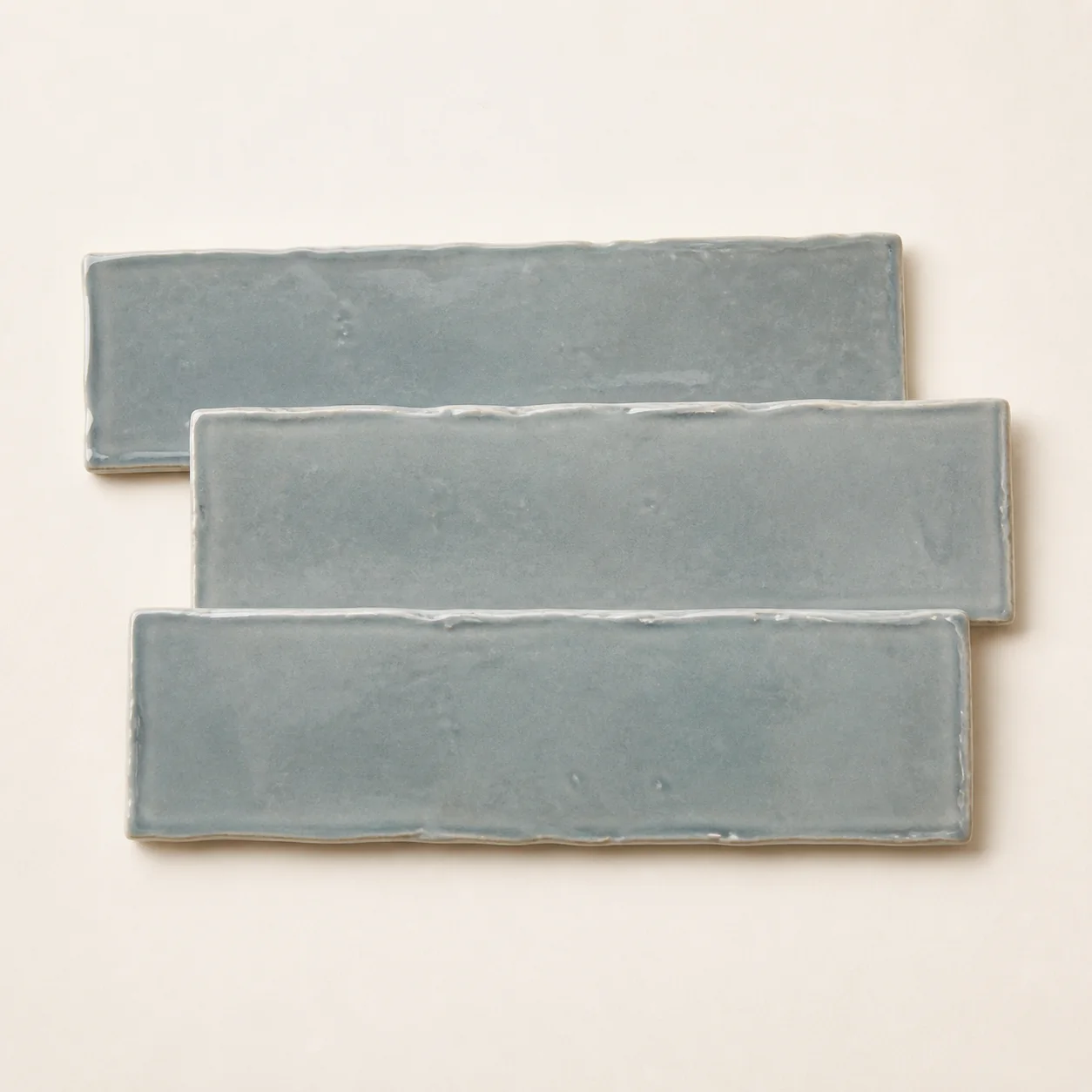
    Use a tile photo or product image and preview it beside your cabinets and countertop before buying a single box.

    • Use the tile you are considering
    • Keep every other finish unchanged
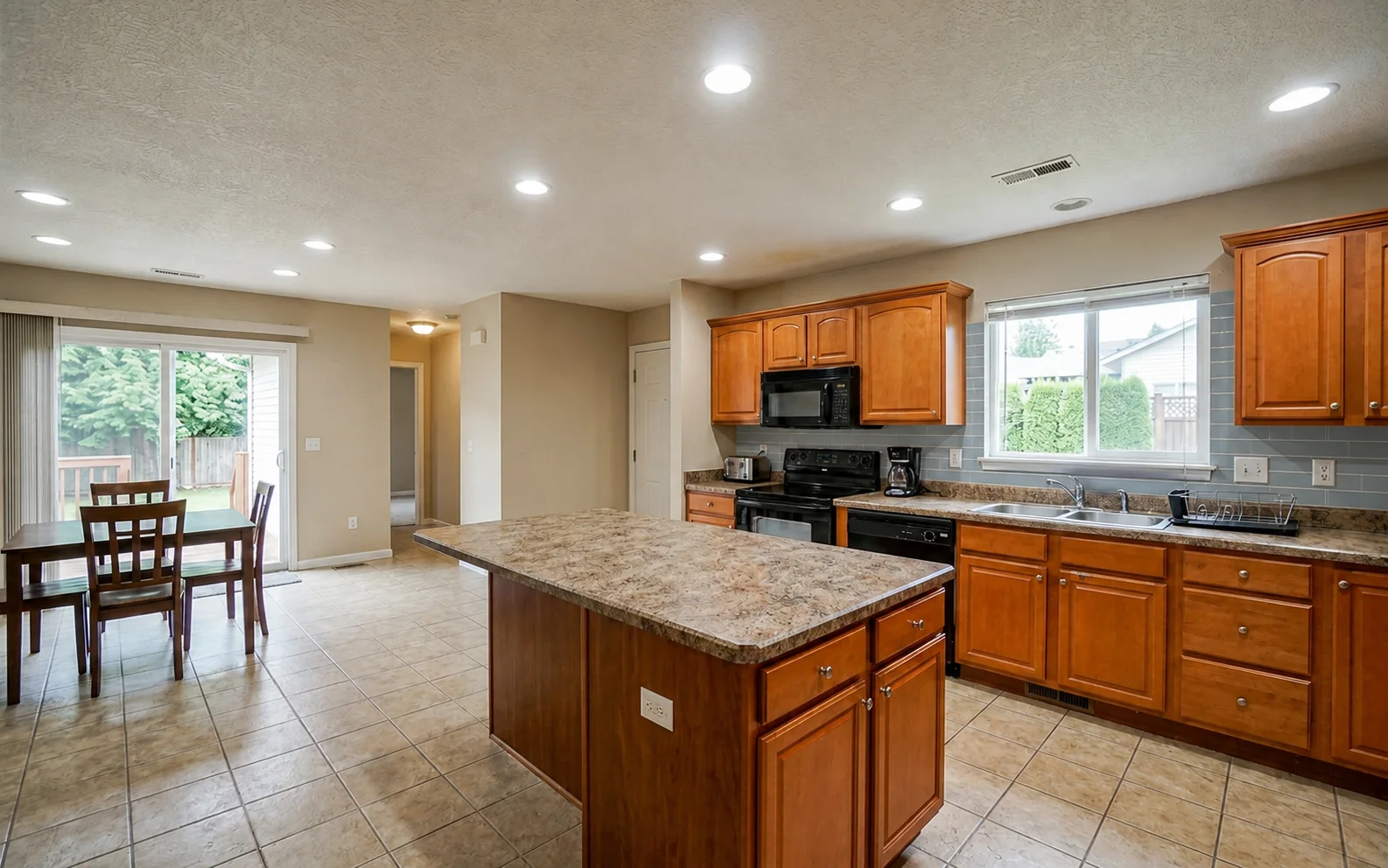
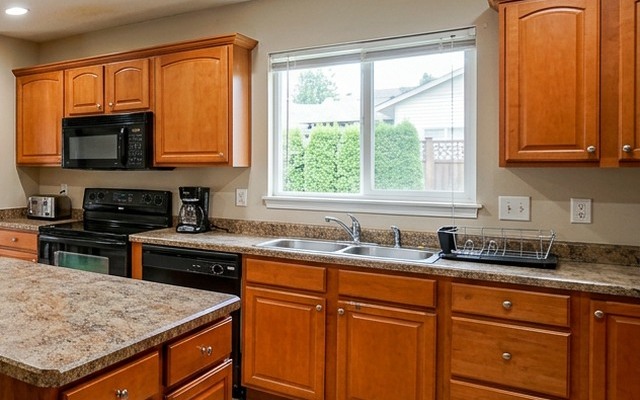
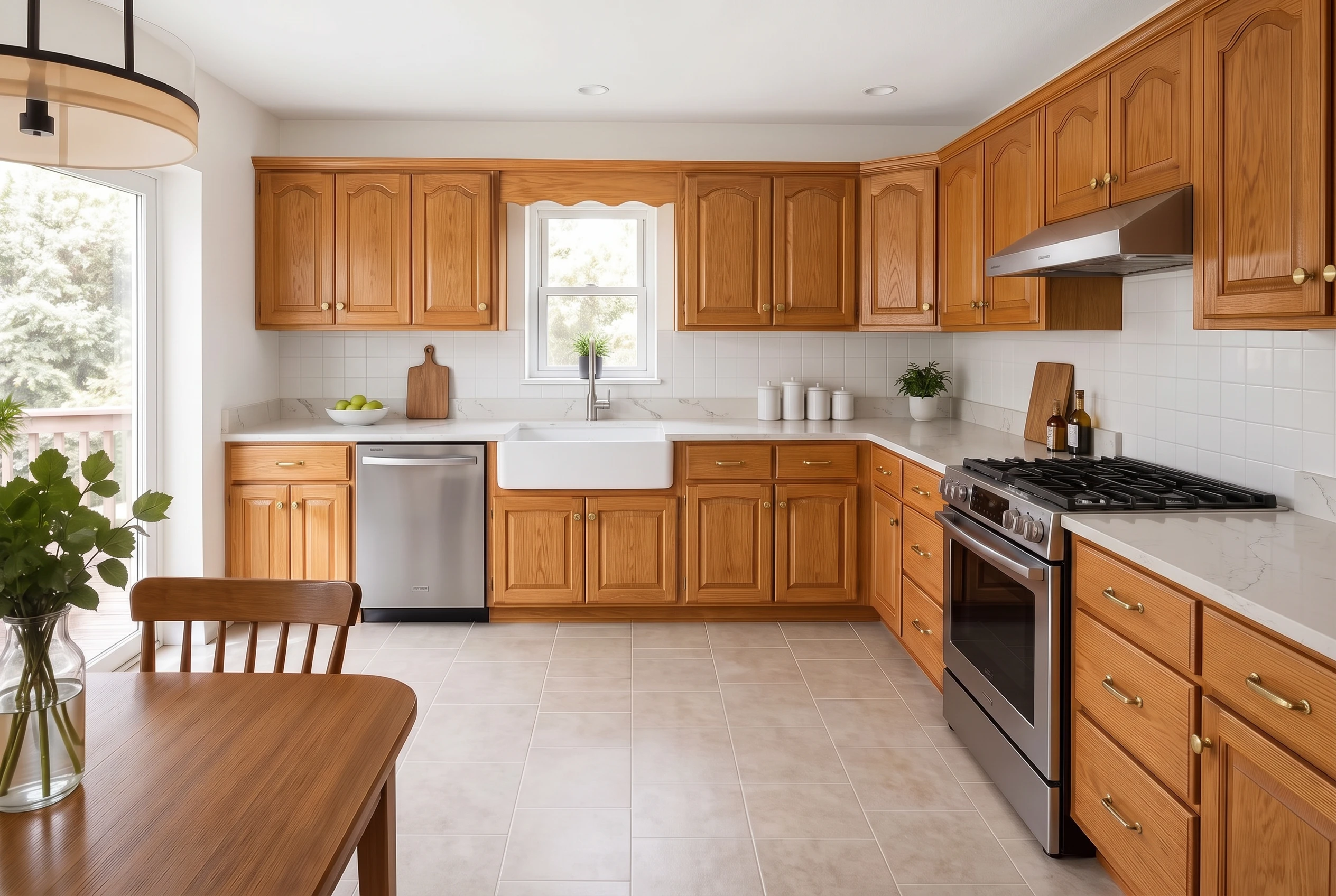
    The same kitchen with a soft blue-grey handmade subway tile backsplash Backsplash only Soft blue-grey handmade subway tile sampleYour tile sampleUpload a product photo Close-up of the original painted wall before tile was addedBefore
    Judge the tile in the whole room.No sample-board guesswork.
    05 · Swap Handles

    Try One Handle Before You Buy Them All

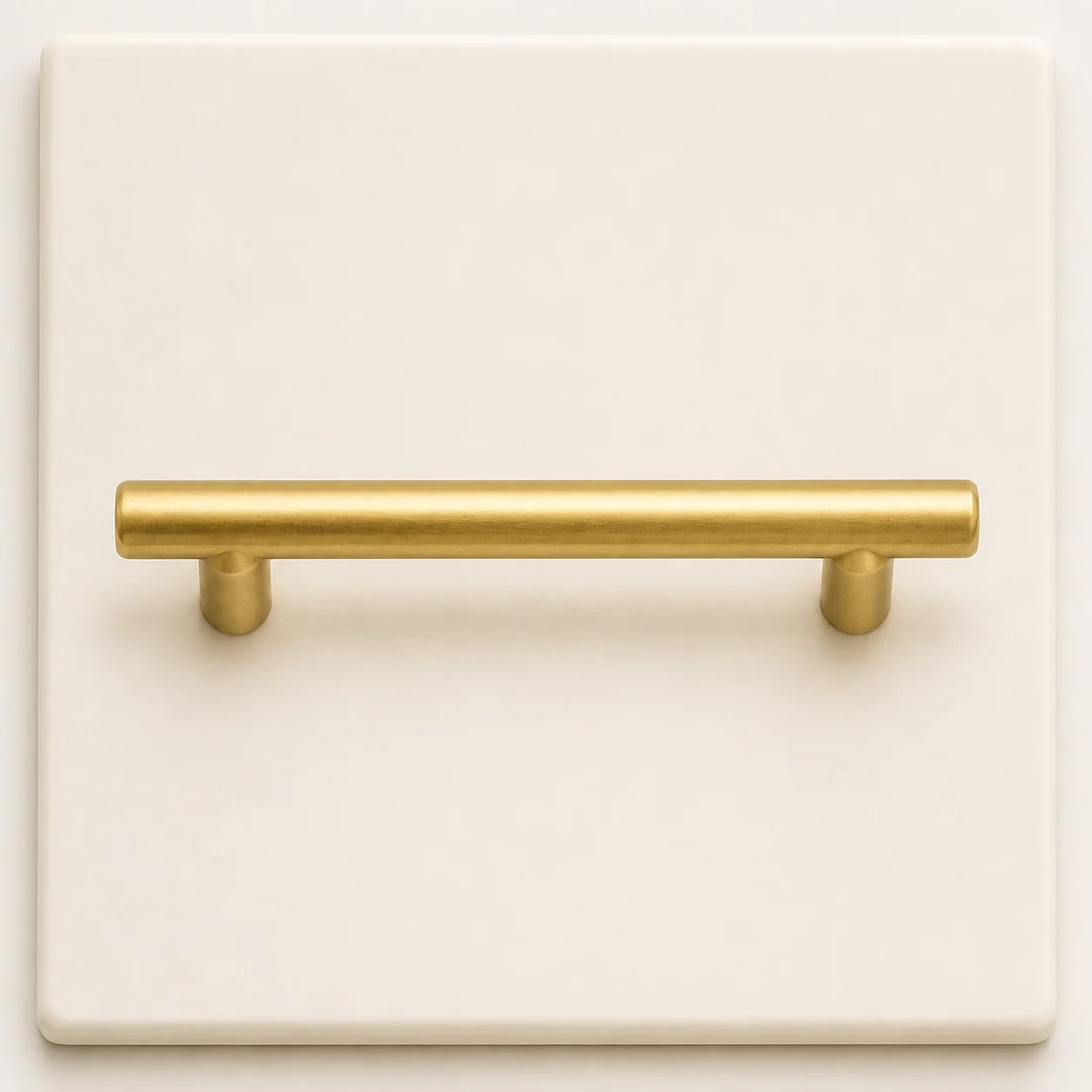
    Photograph a handle or use its product image. See its scale, finish and shape across every cabinet door.

    • Use the hardware you are considering
    • Keep the cabinets and color unchanged
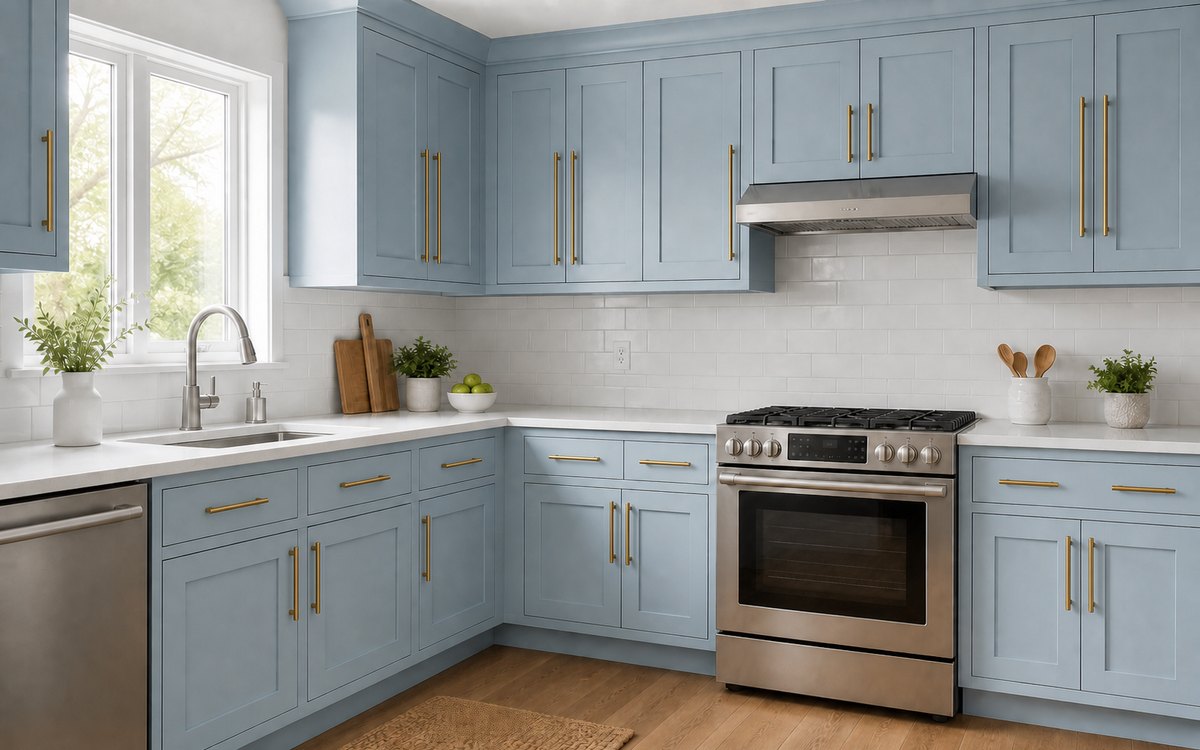
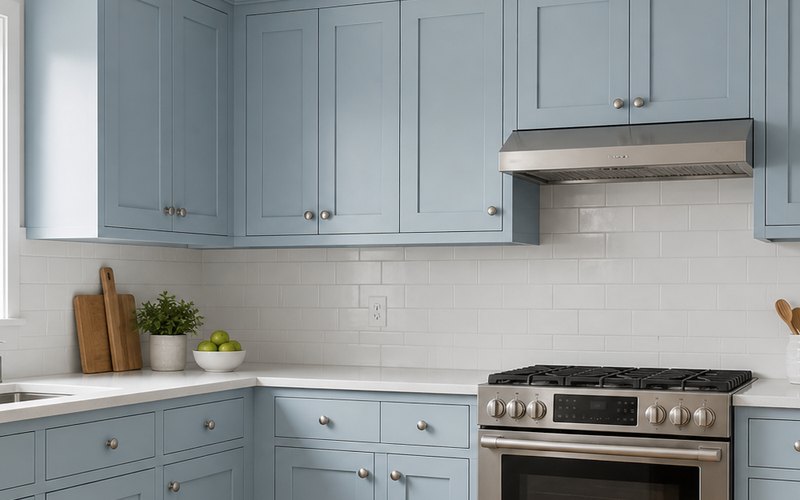
    Pale blue shaker cabinets with warm brass bar handles Handles only Warm brass bar handle sampleYour handlePhoto or product image Close-up of the same blue cabinets with their original small silver knobsBefore
    See one handle across every door.The cabinet fronts stay the same.
    06 · Appliance Swap

    Put the Appliance in the Room First

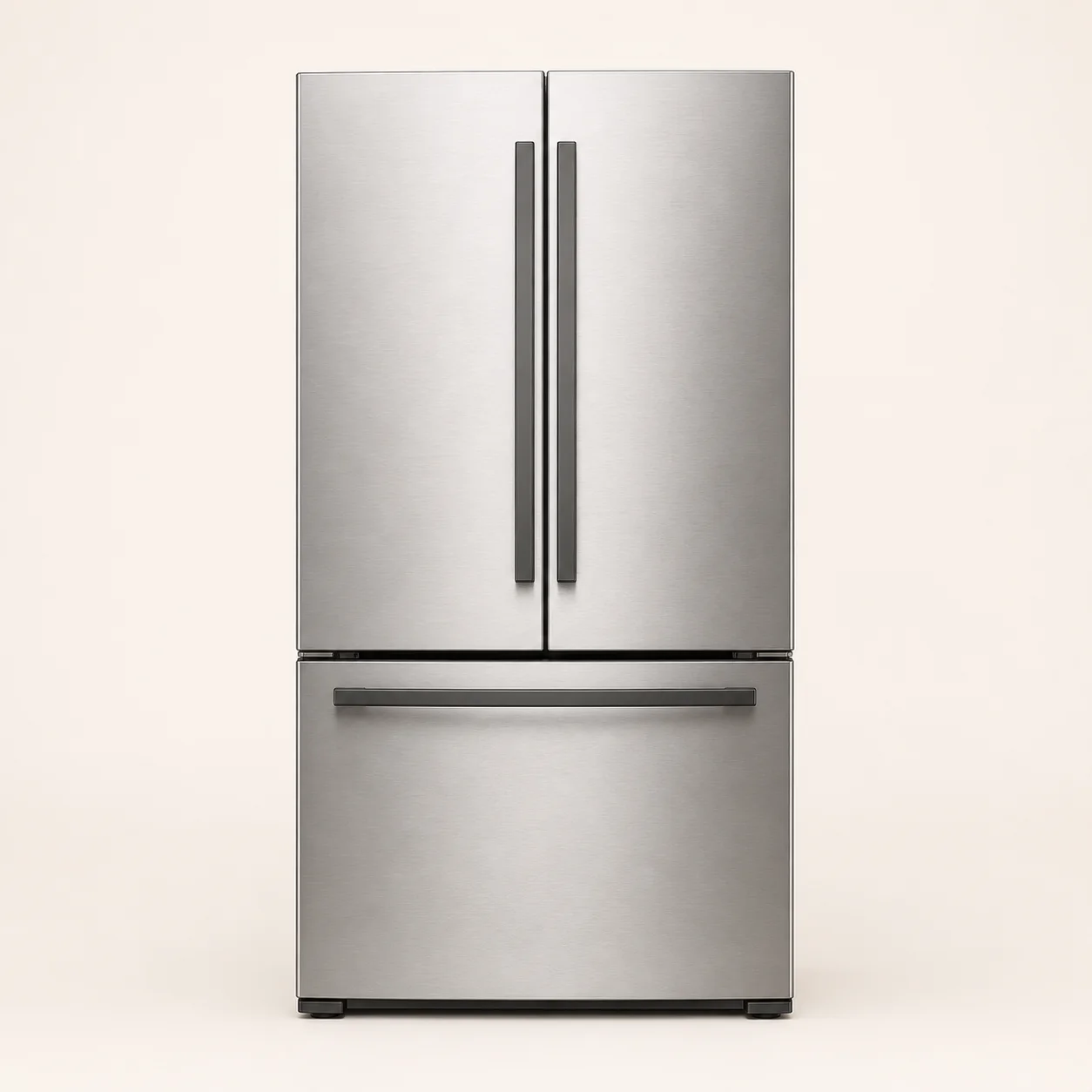
    Paste the product link for the refrigerator you want. Check its size, finish and proportions in your real kitchen.

    • Preview the exact model before delivery
    • Leave every other appliance unchanged
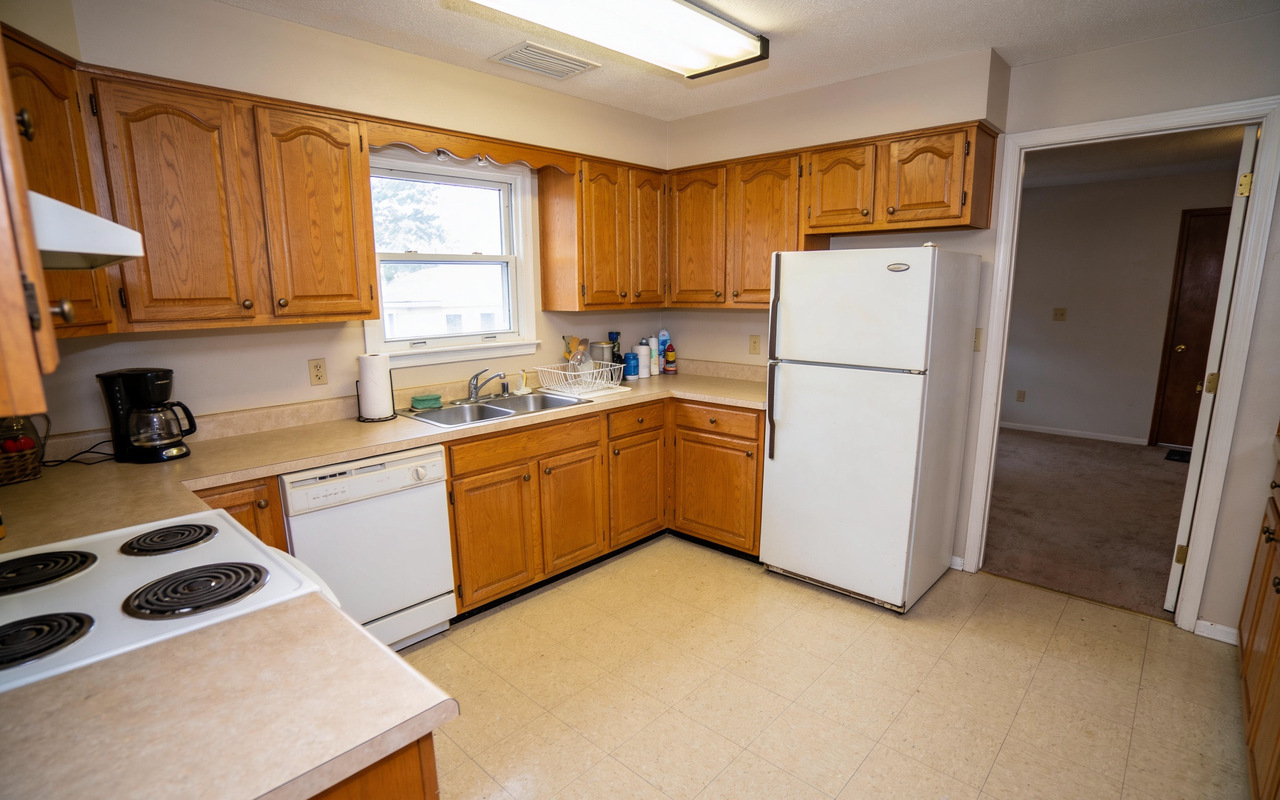
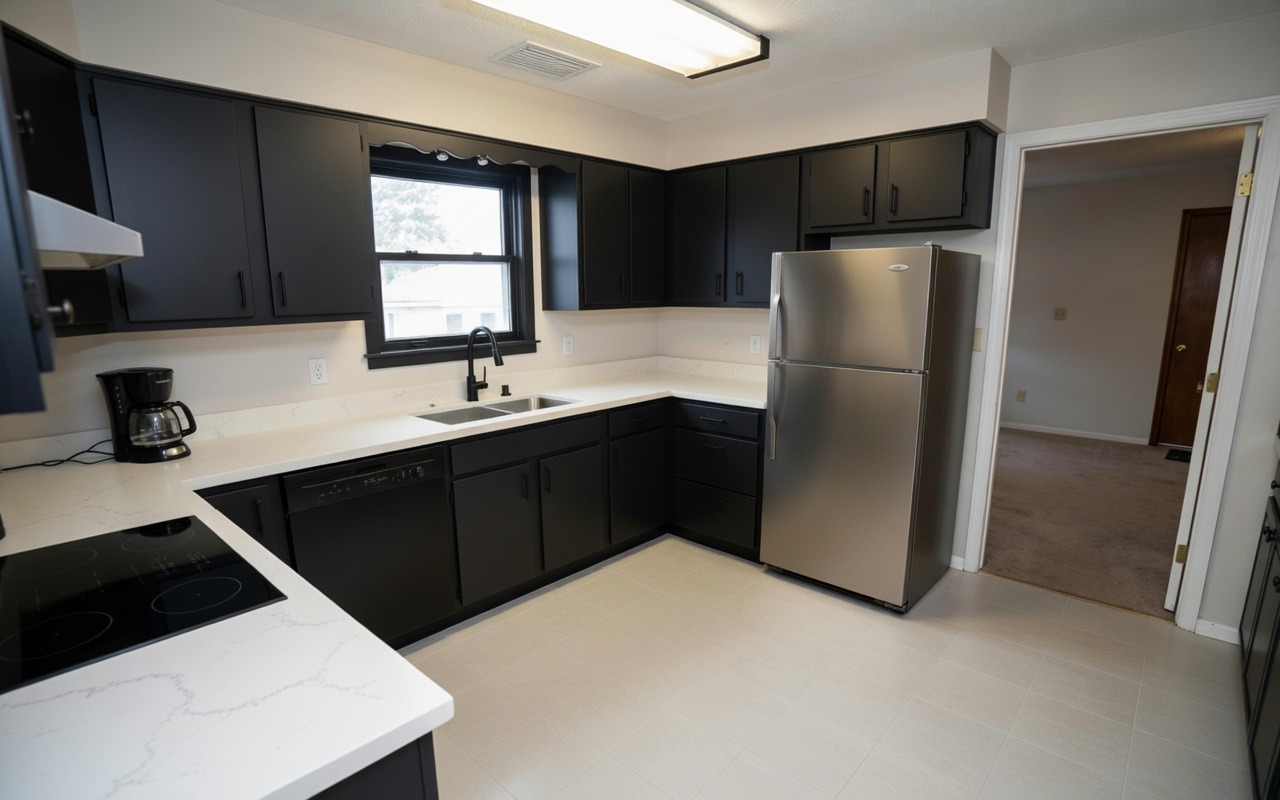
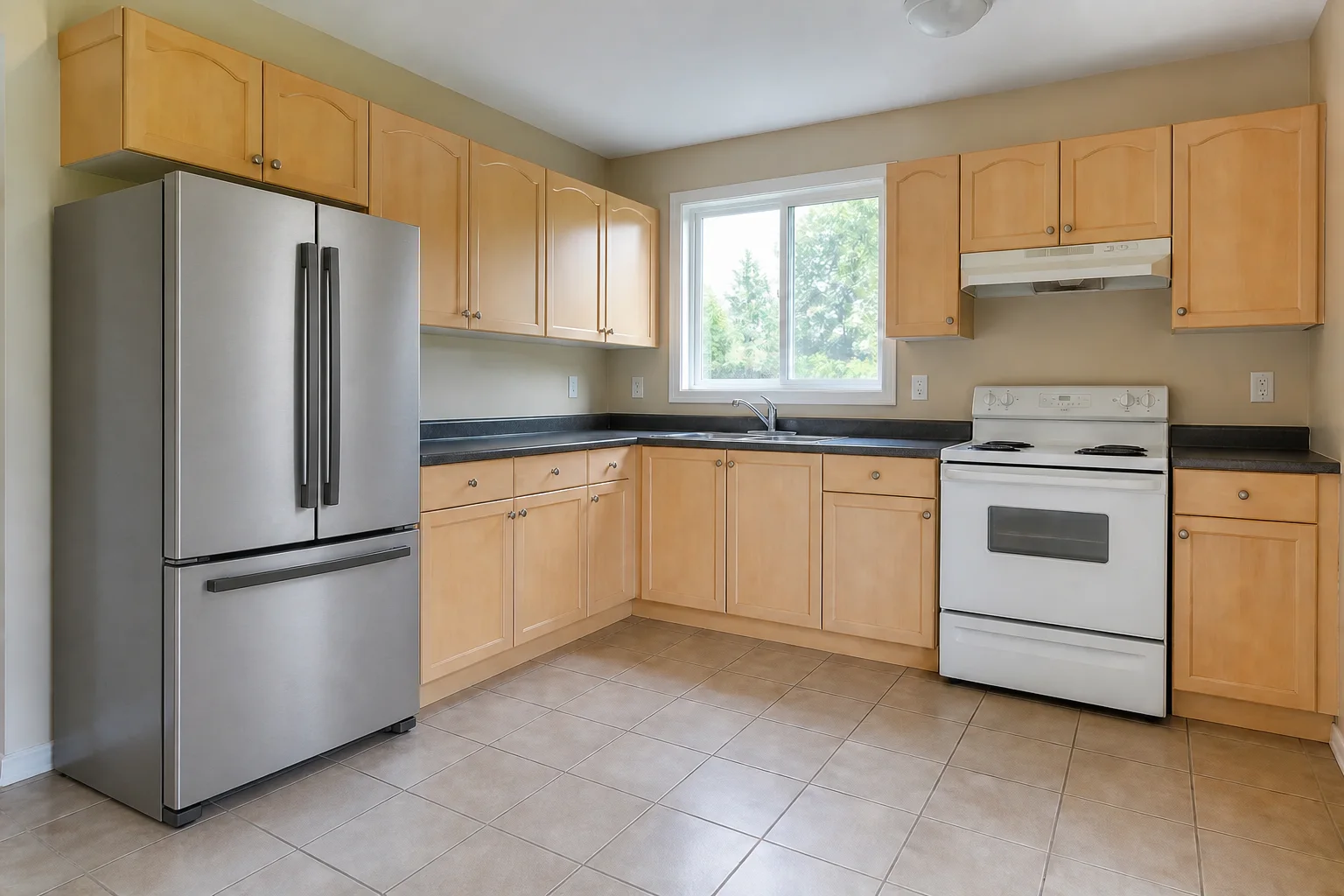
    The same maple kitchen with only its white refrigerator replaced by a stainless French-door model Fridge only Stainless French-door refrigerator product photoPaste a product linkOr upload the product photo The maple kitchen with its original white refrigerator and rangeBefore
    See the exact fridge in your kitchen.The range stays untouched.
    07 · Material Swap

    Change the Material, Not the Cabinets

    Try walnut, oak or a painted finish across the existing fronts. Compare the material itself without changing the door shape.

    • Use a sample or product photograph
    • Keep the same door shape and positions
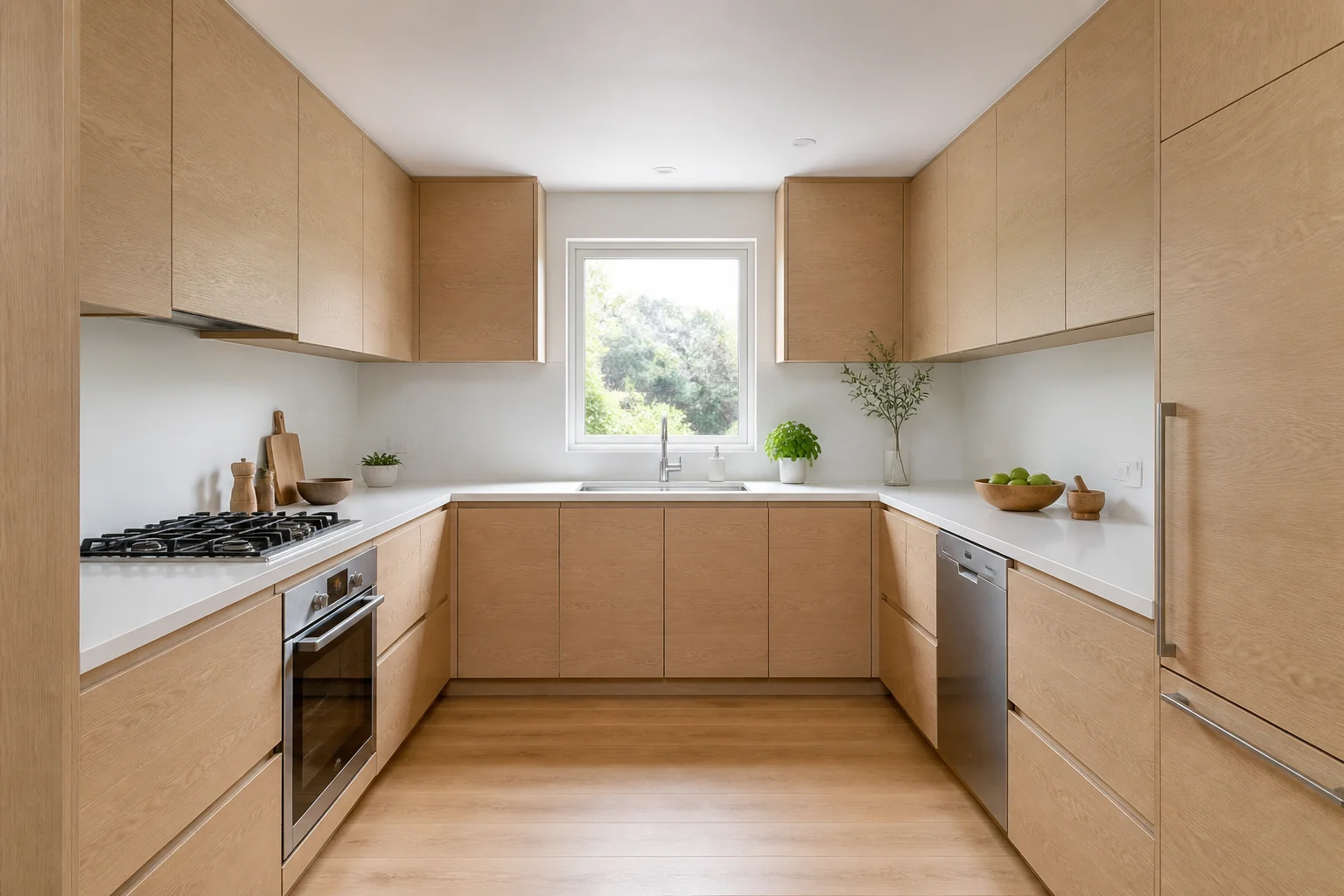
    The same kitchen with its cabinet fronts refinished in walnut, the door shape and positions unchanged Material only The same kitchen with its original oak cabinet frontsBefore
    Compare the finish at full scale.The doors remain exactly where they are.
    08 · Cabinet Front Redesign

    Change the Door Style. Keep the Cabinets.

    Preview new door styles on your kitchen. See if refacing gives you the look you want without replacing the cabinets.

    • Try a different door profile
    • Keep every cabinet position unchanged
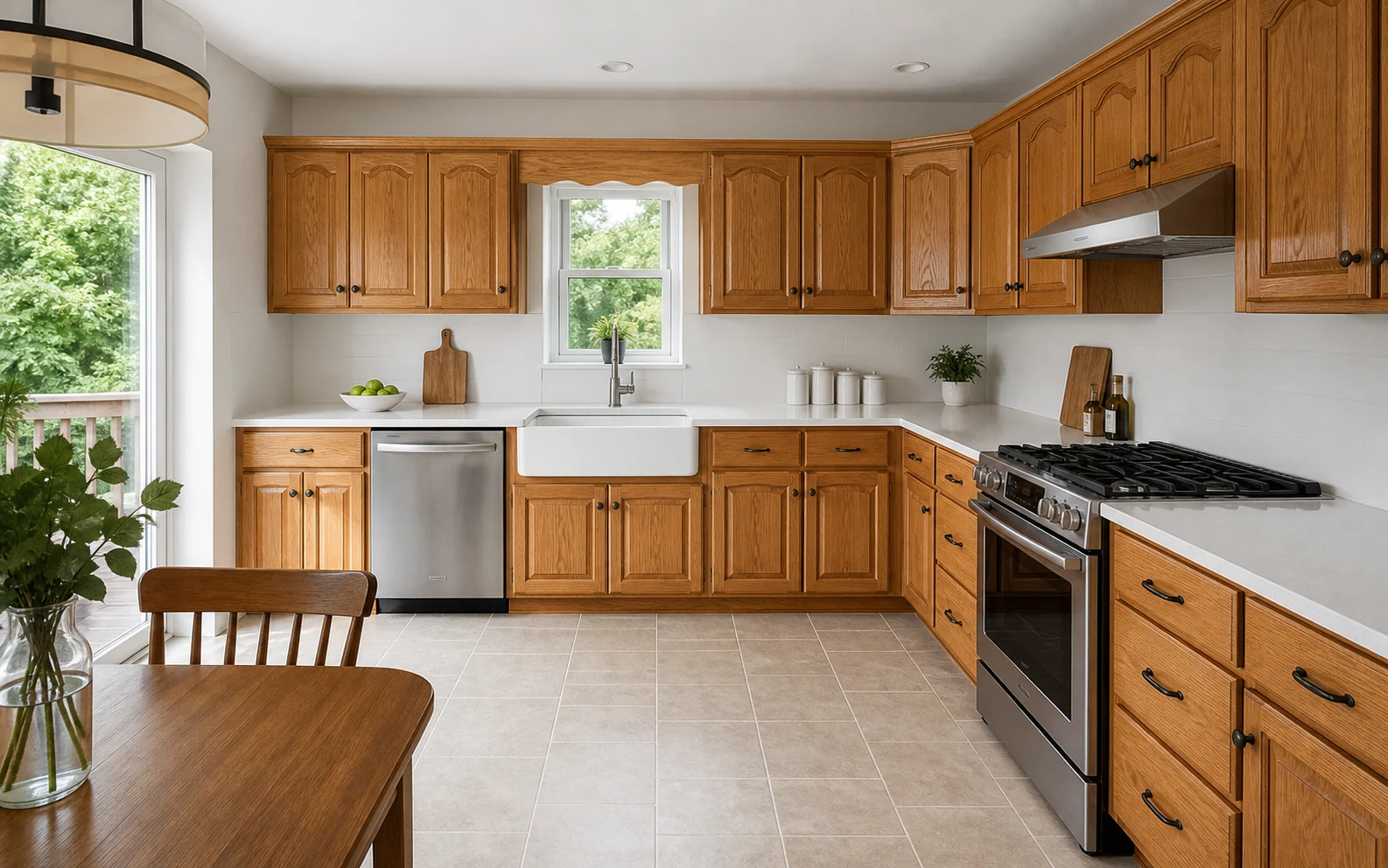
    The same warm oak kitchen with flat slab cabinet fronts on the same cabinet boxes Door style only The same warm oak kitchen with traditional arched raised-panel cabinet frontsBefore
    The same oak. A cleaner door profile.The color and layout stay fixed.
    09 · Make It Empty

    Clear the Room and Start Again

    Remove cabinets, appliances and clutter from your photo. Start with the real room, not an imagined blank canvas.

    • Keep the walls, windows and openings
    • See the space without the old kitchen
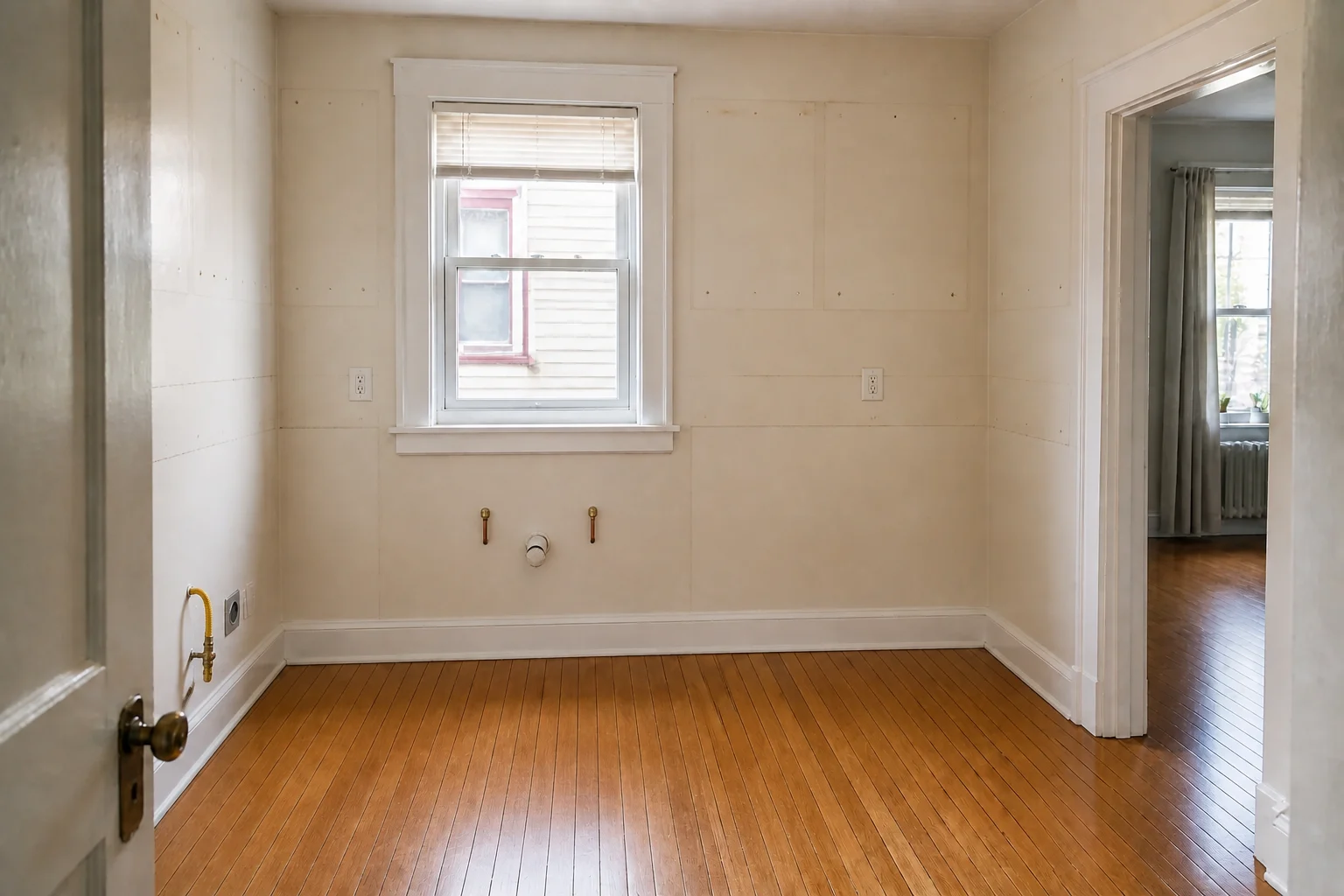
    The same apartment room cleared back to its walls and floor with capped plumbing, gas, electrical outlets and cabinet fixing marks visible Room cleared The compact apartment kitchen before its cabinets and appliances were removedBefore
    The real room, ready for a new plan.No redrawing from memory.
    10 · Kitchen X-Ray

    See How the Storage Works Inside

    Look through the cabinet fronts to see organized storage inside. Understand the storage, not just the exterior.

    • Reveal storage behind closed doors
    • Keep the same cabinets and appliances
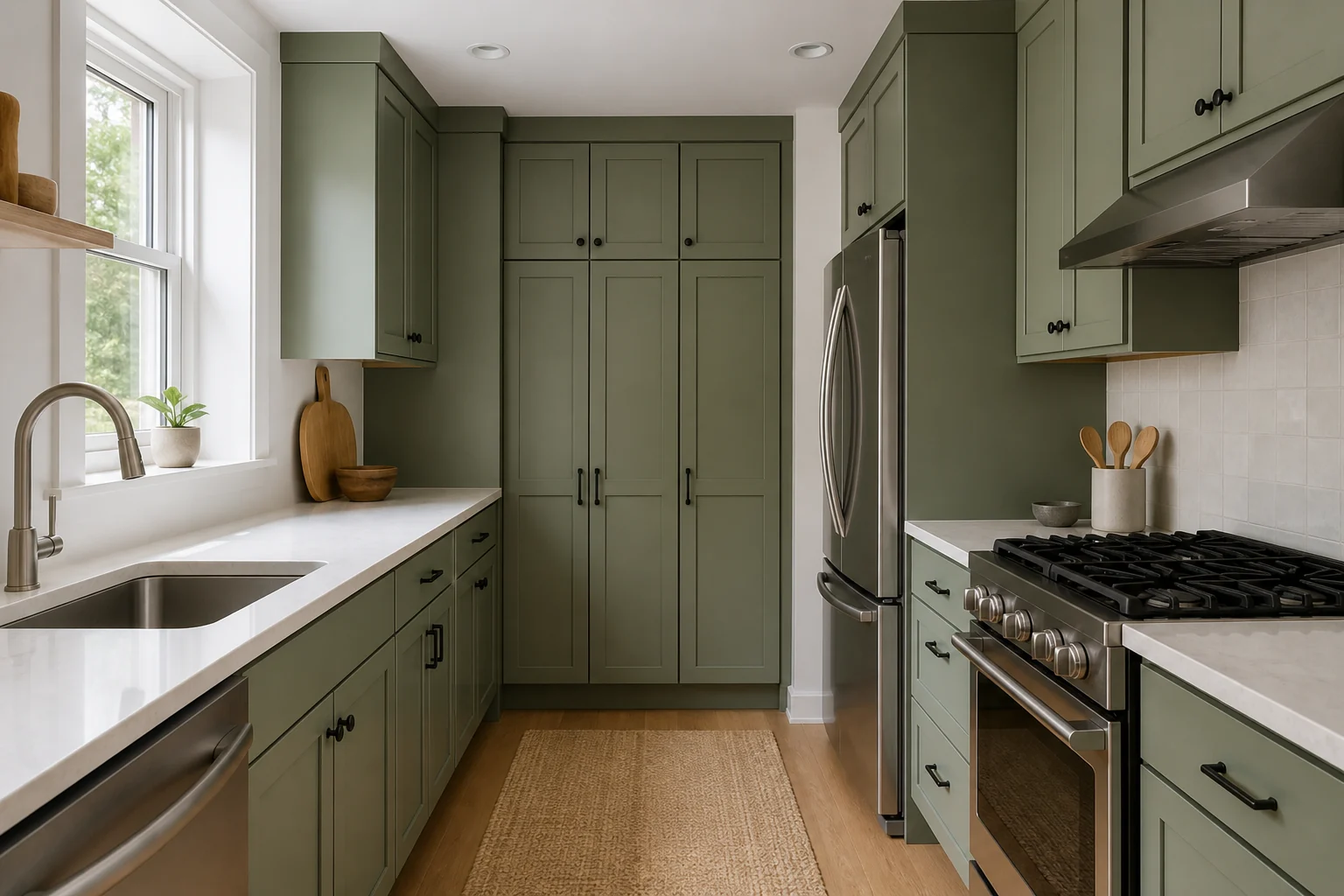
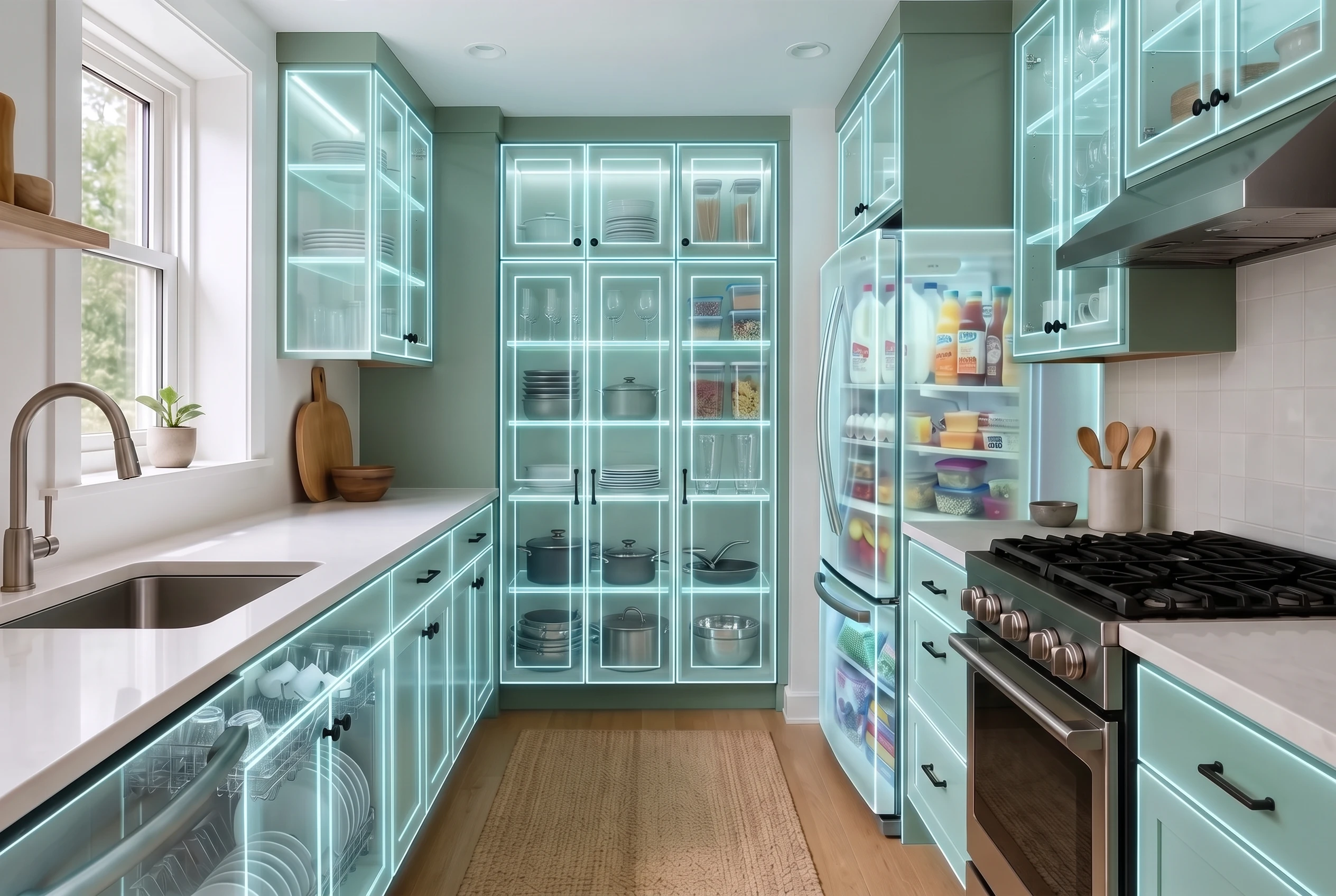
    The same green galley kitchen with closed cabinet and appliance fronts rendered translucent so the organized storage is visible inside See inside The green galley kitchen with its original closed cabinet doorsBefore
    Plan what happens behind the doors.The outside remains familiar.
    11 · Design Consultant

    Ask What You Should Change Next

    Get advice based on your kitchen, then turn the recommendation into a new preview when it feels right.

    • Ask about color, materials or layout
    • Apply the suggested changes directly
    Advice tied to the room you uploaded.Ask another question whenever you need it.

    11 modules. One kitchen. Yours.

    See Plans and Pricing

    Choose Your Plan

    One kitchen costs $55,000 on average. This costs less than the paint.

    KitchenGPT

    For the kitchen you already have.

    $14/mo$27
    Billed annually
    250 credits a month, about 100 designs
    • Test paint, floors, tile and materials
    • Preview real handles and appliances
    • Redesign fronts without replacing the boxes
    • Ask AI for advice and apply it instantly
    • Design in 2D or 3D with real cabinets
    • Save 3 versions of your kitchen
    Get KitchenGPT
    PayPalVisaAmerican ExpressDiscoverMastercard30Days Money BackGuarantee

    Secure checkout by Paddle

    Most popular

    KitchenGPT Studio

    For starting from a plan, a sketch, or nothing at all.

    $19/mo$37
    Billed annually
    1,000 credits a month, about 400 designs
    • Everything in , plus
    • Turn any sketch, plan or spec into a kitchen
    • Bring any moodboard into your room
    • Keep the same design across every view
    • Furnish empty rooms for clients or listings
    • Use every design commercially
    • Get priority rendering and support
    • Manage 10 kitchens and save 30 versions
    Get KitchenGPT Studio
    PayPalVisaAmerican ExpressDiscoverMastercard30Days Money BackGuarantee

    Secure checkout by Paddle

    Try KitchenGPT With a 30-Day Guarantee.

    Use it on your own kitchen. If it is not right for you, request your money back within 30 days.

    Every plan is covered One-click cancellation Paddle secure checkout

    Questions Before You Buy

    Layout, credits, cancelling, refunds, and what happens to your photos.

    No. That is the core promise. Your walls, windows, plumbing and layout stay locked. KitchenGPT changes the design, not the room. You will recognise your own kitchen in every image.

    Credits are what generations cost. Most designs use 2 to 5 credits, so the 250 credits on KitchenGPT is roughly 100 designs a month. Video uses more credits than image generation.

    Every plan includes 100+ styles from a library of 200+, covering all sixteen categories from Modern and Scandinavian to Farmhouse and Coastal. The rest of the library, including the historical, world and seasonal collections, can be unlocked from inside the app.

    You can, and it will show you a beautiful kitchen. Someone else's. ChatGPT invents layouts, moves windows and redraws walls. KitchenGPT locks your room and changes only the design. And when you are ready to build, ChatGPT gives you a picture. KitchenGPT gives you a plan: real cabinets, real sizes, ready to hand to the person who will build it.

    Most homeowners decide everything within a month or two. Subscribe, test every decision, order with confidence, then cancel in one click. That is the intended use.

    Yes. One click, inside the app, no email required. You keep access until the end of your billing period.

    Your credits come back automatically. You only pay for results.

    A 30-day money-back guarantee on every plan.

    KitchenGPT Studio includes a commercial licence for listings, client work and marketing. The KitchenGPT plan is for personal use.

    Yes. Your photos are used to generate your designs and nothing else. You can delete them at any time.

    Your Kitchen Is One Upload Away

    Stop guessing what it could look like. See it in your own kitchen before you spend anything.

    See Plans
    30-day money-back guarantee · Cancel anytime